
Cloud gaming is a brilliant milestone not only because it makes the latest AAA titles accessible on lower-end hardware or in battery-saving mode, but also because it is the ultimate weapon against kernel-level anti-cheat software.
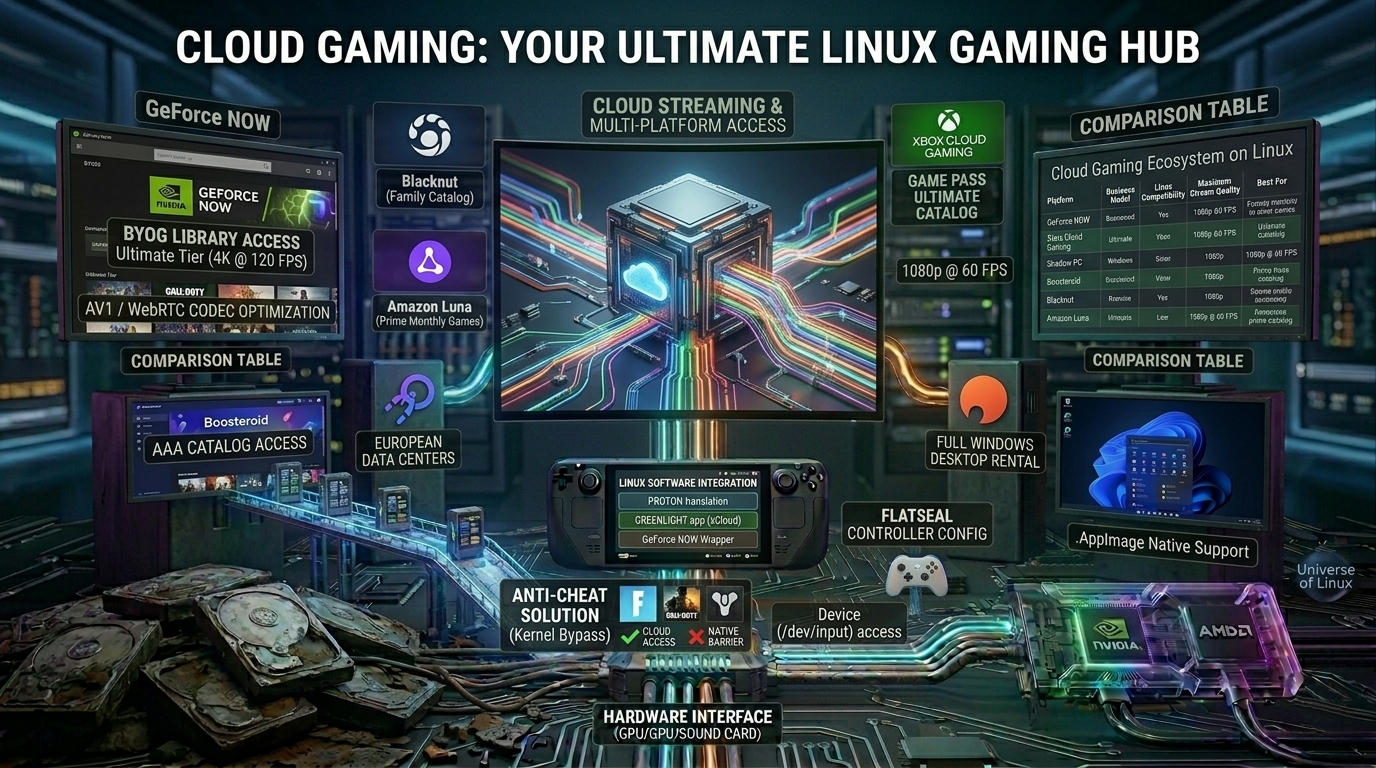
Since games like Fortnite, Call of Duty, or Destiny 2 won’t run through Proton due to strict Windows-specific anti-cheat filters, cloud-based services provide the perfect bridge: the game runs on a remote Windows server, and you control it seamlessly from Linux with native controller support.
Let’s take a look at the platforms that actually exist today, are stable, and work excellently on Linux.
1. The market leaders: GeForce NOW and Xbox Cloud Gaming
GeForce NOW (The king of performance)
Nvidia’s service isn’t a closed shop: you can link your existing Steam, Epic Games, Ubisoft Connect, and Xbox (PC Game Pass) libraries to it.
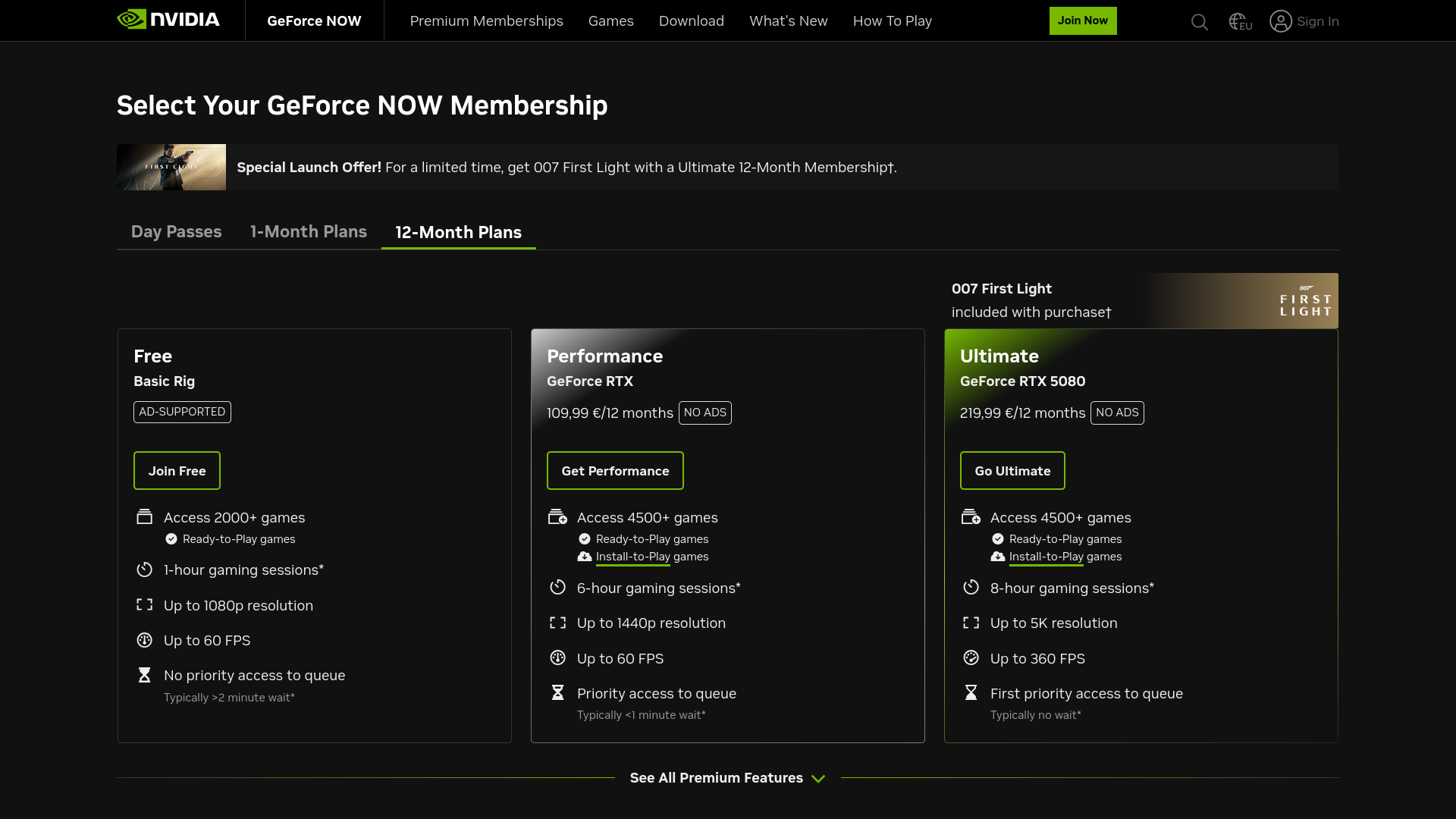
- Linux Status: There is an official client in Beta-state yet, and the web interface (based on Chrome/Edge) works flawlessly. Dedicated Flatpak wrapper applications are also available (e.g., GeForce NOW Electron), which run it as standalone desktop software.
- Technology: Up to 4K resolution, 120 FPS, and ray tracing are available with the Ultimate subscription. On Linux, input lag is incredibly low thanks to hardware acceleration for the AV1 and WebRTC codecs.
Xbox Cloud Gaming / xCloud (Best Value for Money)
Included with an Xbox Game Pass Ultimate subscription. You don’t need to buy the games; for a monthly fee, you get instant access to hundreds of console and PC titles.
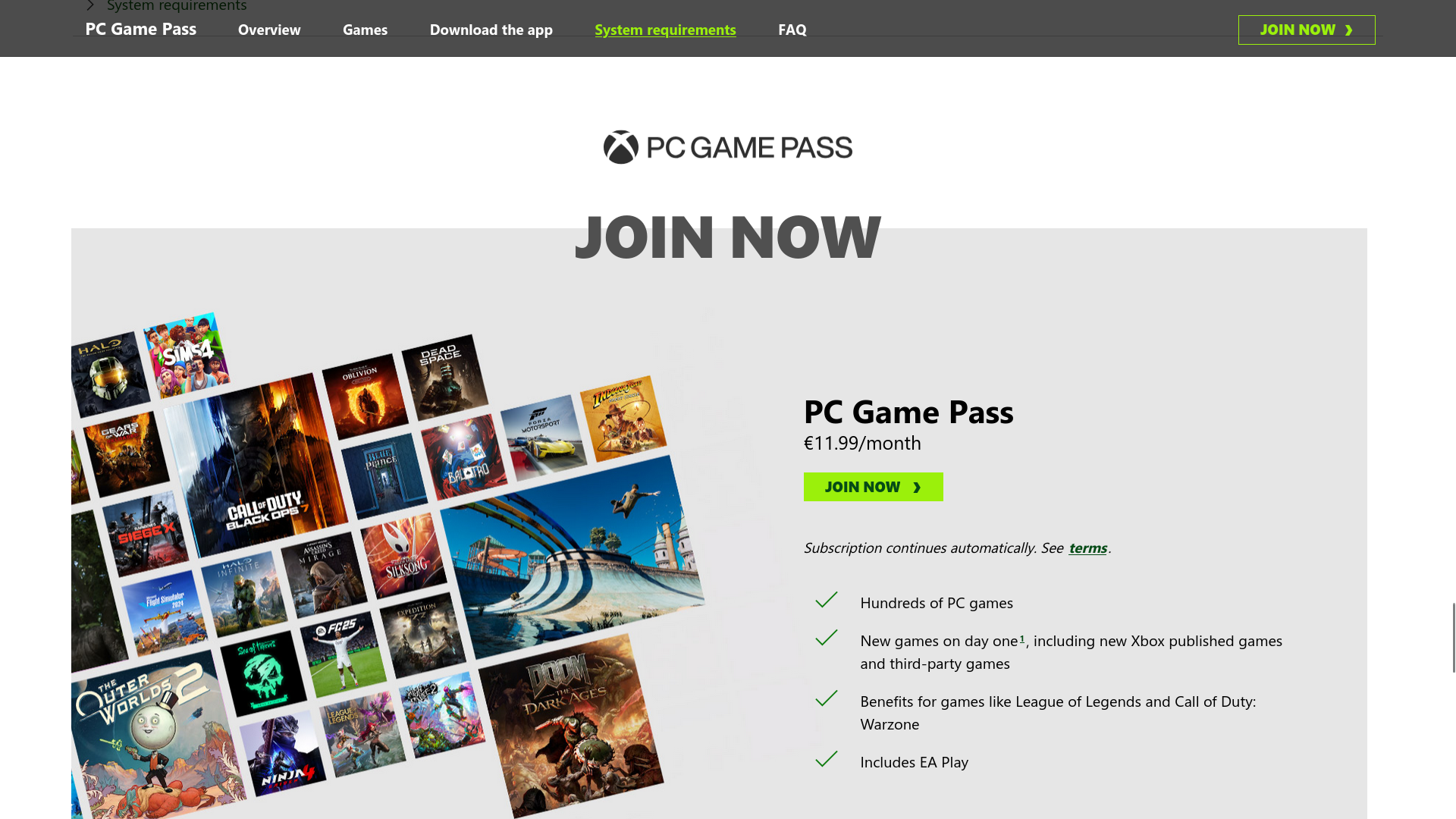
- Linux Status: It runs brilliantly in a browser, but the Steam Deck community has developed an open-source Flatpak client called Greenlight for it. This provides a native interface, supports rumble on the controller, and delivers a much sharper image than a standard browser launch.
2. Specialized Alternatives: Boosteroid and Shadow PC
Boosteroid (The European Challenger)
An extremely popular, Europe-based cloud service that is particularly famous for making games available on its servers that are missing from GeForce NOW due to legal disputes (e.g., the latest Sony PC ports or Rockstar titles).
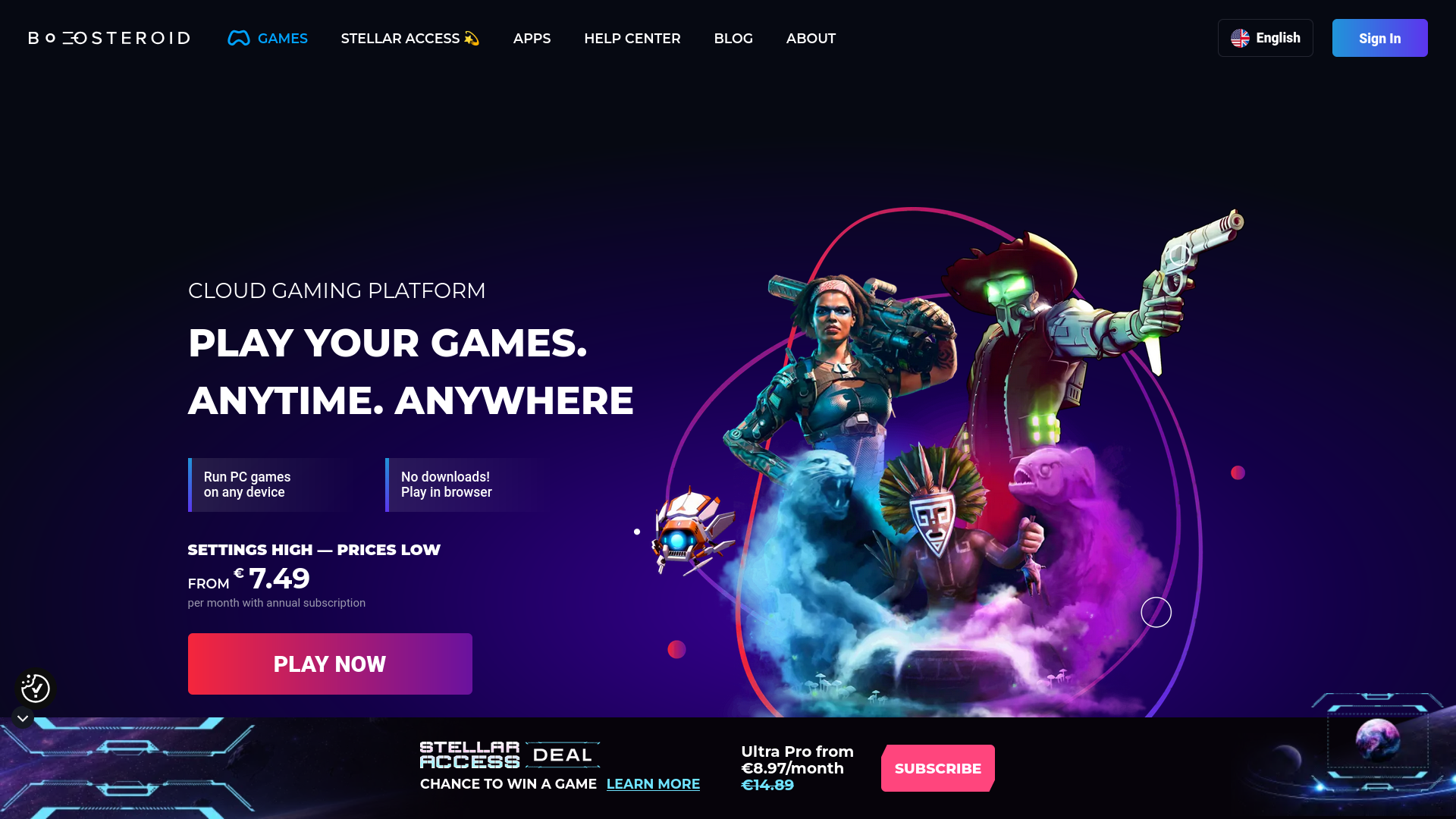
- Linux status: It has official web support, and its browser engine is very well optimized for the Linux network stack.
Shadow PC (The Fully Cloud-Based Windows Desktop)
Shadow takes a completely different approach. Instead of launching individual games, you get a complete, dedicated Windows gaming PC in the cloud, complete with its own desktop, graphics card, and SSD storage.
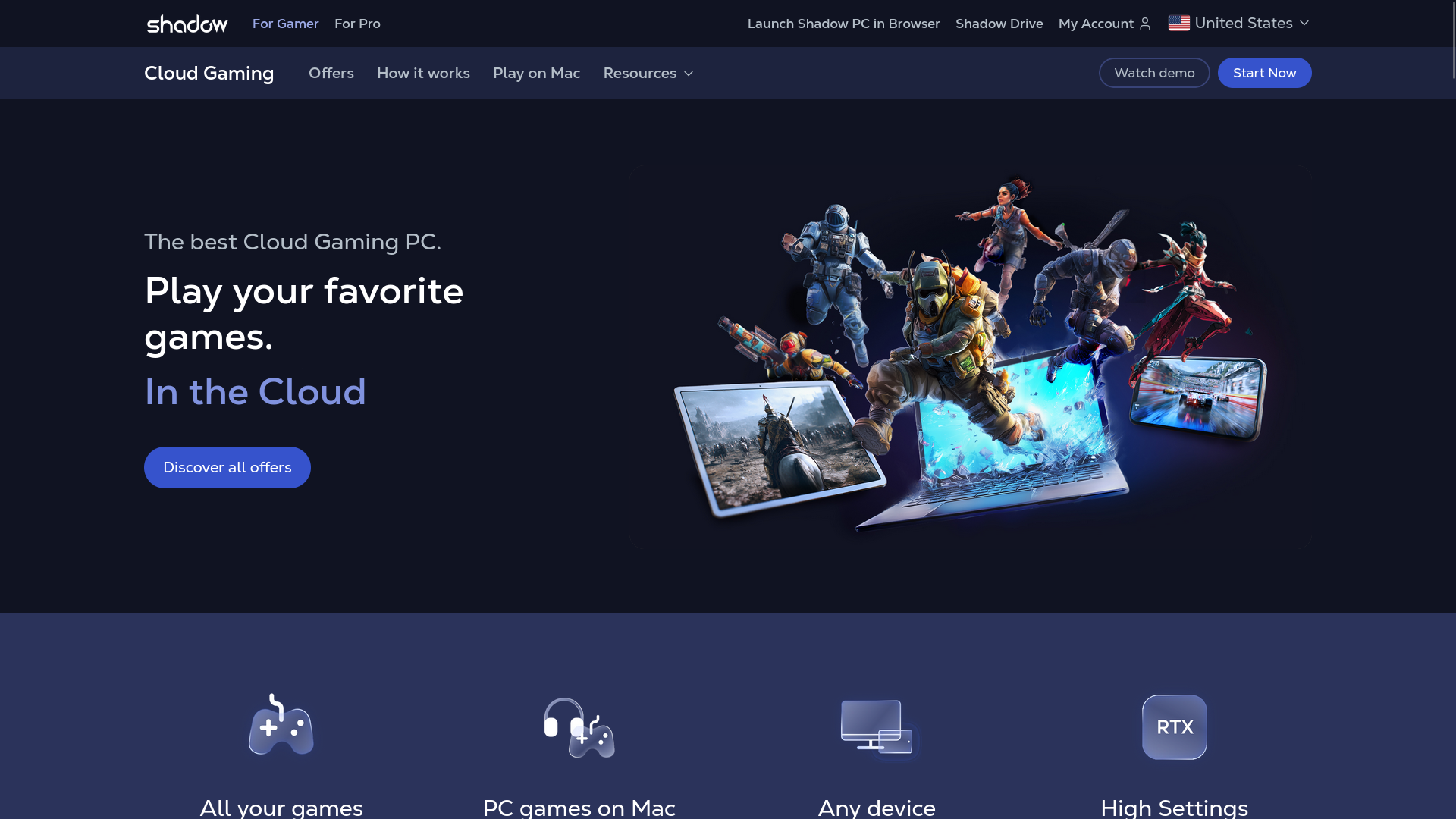
- Linux Support: The market leader in this area. They have an official, native Linux client (in the form of .AppImage and an Ubuntu package).
- Advantage: Since you get a full Windows desktop, you can install mods, custom launchers, or translations for your games - something that would be impossible on closed cloud services (like GFN).
3. Family and supplementary platforms: Blacknut and Amazon Luna
Blacknut (The family Netflix model)
Blacknut is a purely subscription-based platform focused on casual and family games. It features over 500+ games, has no in-app purchases, and supports multiple profiles simultaneously.
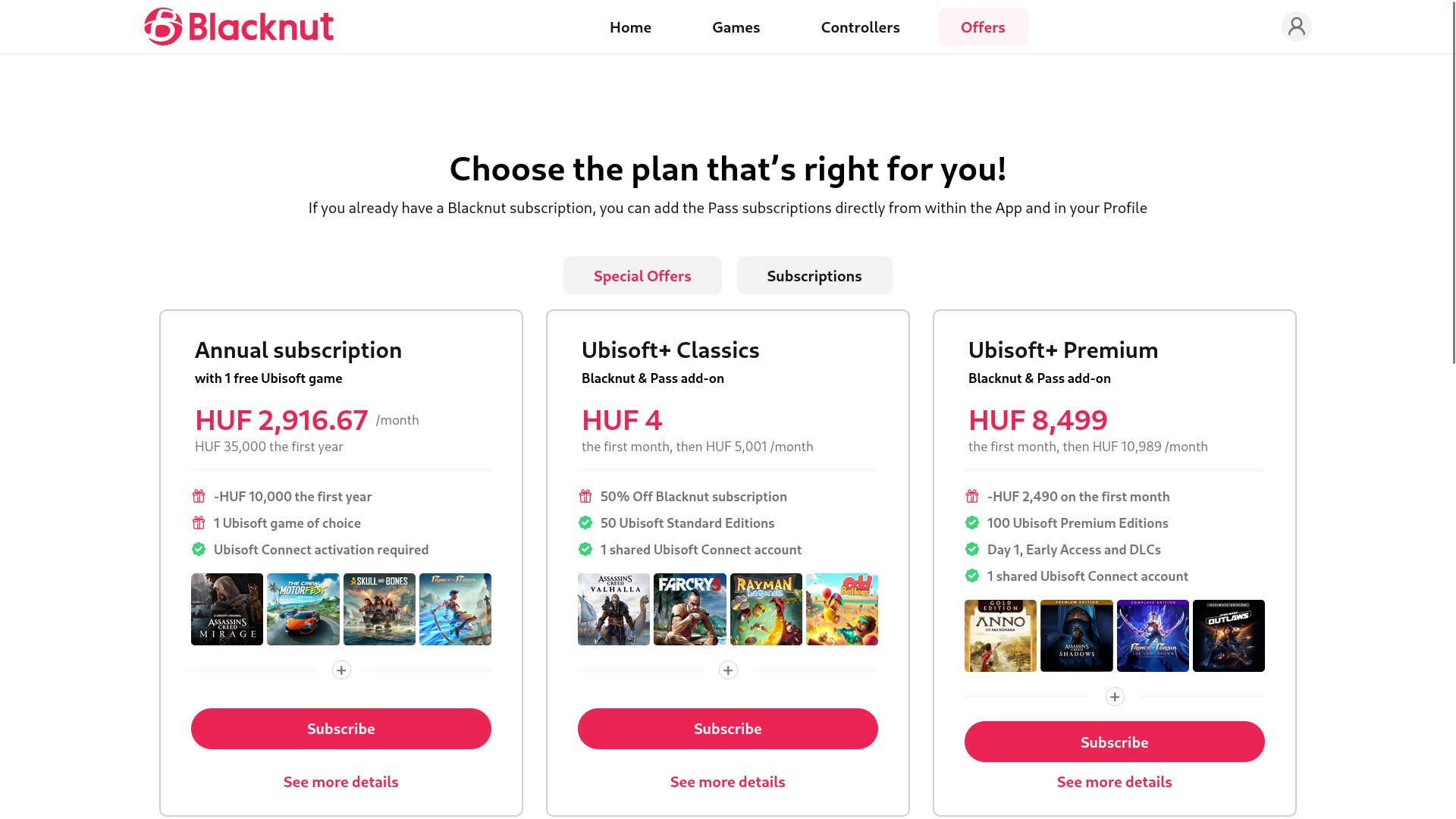
- Linux compatibility: It works instantly as a Progressive Web App (PWA) or via the Chrome/Firefox browser, making it a perfect choice for kids or casual gaming on an older Linux laptop.
Amazon’s own cloud-based service. If you have an Amazon Prime membership, you’ll receive a rotating selection of free games every month that you can play immediately, or you can link them to your Ubisoft account.
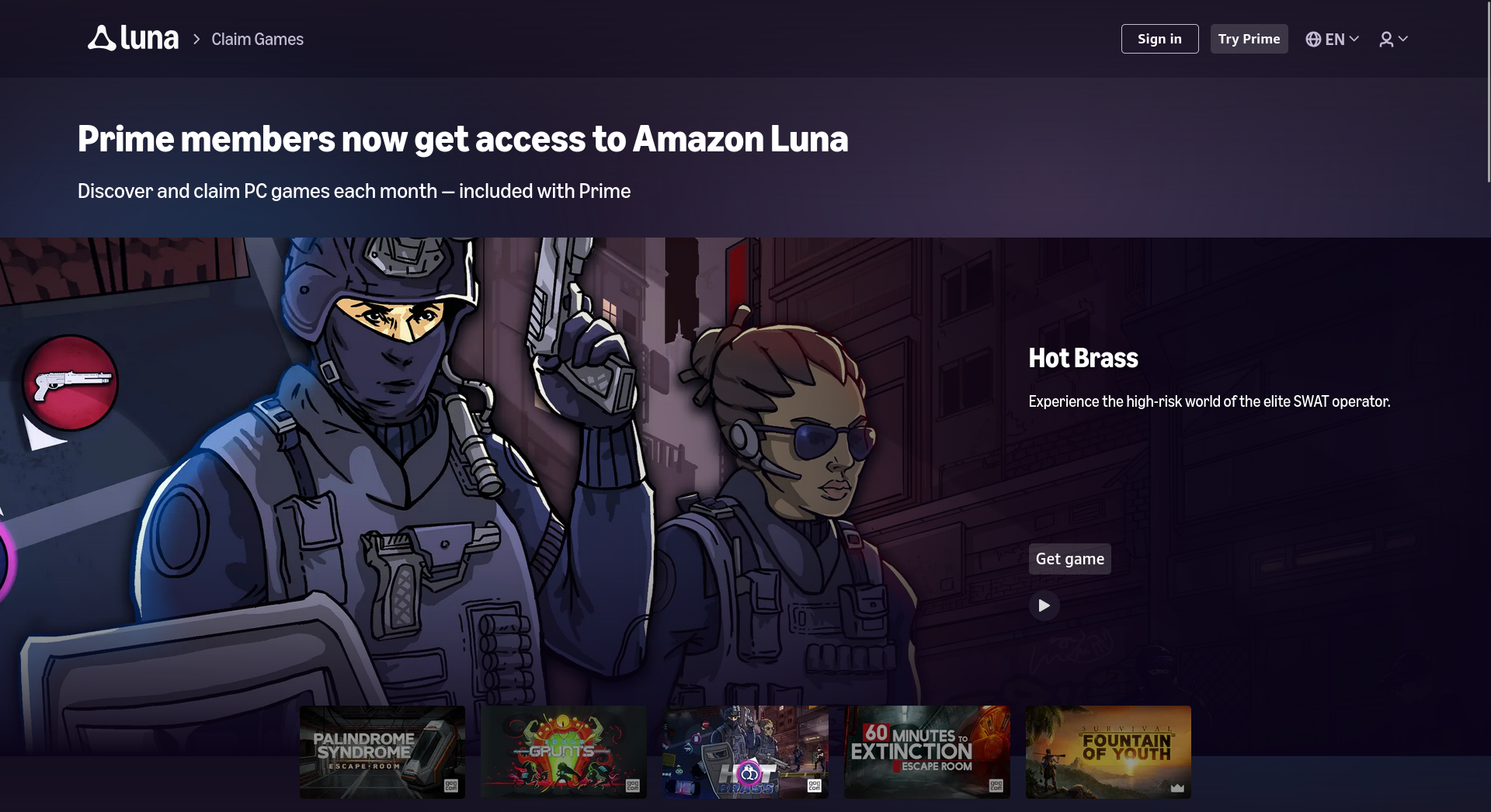
- Linux compatibility: It’s purely web-based and works seamlessly with your controller on Linux when using the Edge or Chrome browser.
Cloud Gaming Ecosystem on Linux
| Platform | Service & Stream Quality | Linux Integration & Best For |
|---|---|---|
| GeForce NOW | Bring your own games (Steam, Epic, Xbox). Free & Paid tiers. Up to 4K @ 120 FPS (AV1). | Excellent via Web / Electron Flatpak. Best for hardcore low-latency gaming. |
| Xbox Cloud Gaming | Xbox Game Pass Ultimate subscription catalog. 1080p @ 60 FPS. | Excellent via Web or Greenlight Flatpak app. Best value with massive catalog. |
| Shadow PC | Full Windows cloud PC rental (Subscription). 4K @ 144Hz / 1080p @ 240Hz. | Native Support via official .AppImage. Best for full Windows access & modding. |
| Boosteroid | Bring your own games. Monthly subscription. 1080p @ 60 FPS (4K rolling out). | Great via modern web browsers. Best for games missing from GeForce NOW. |
| Blacknut | All-in-one casual subscription catalog (500+ games). 1080p @ 60 FPS. | Good via browser PWA. Best for family sharing and casual couch gaming. |
| Amazon Luna | Included with Prime (rotating titles) + paid Ubisoft channels. 1080p @ 60 FPS. | Good via web portal. Best for Amazon Prime members looking for free games. |
Tip for the Perfect Linux Experience (Controller Permissions)
If you launch cloud games from a browser (such as Chrome or Edge running on Flatpak), the system may block access to your controller for security reasons.
You can fix this in a snap: install the Flatseal app, select your browser, and under the Device section, enable All devices or /dev/input access. This will allow the browser to immediately recognize your Xbox, PlayStation, or Steam Deck controller and accurately map the buttons.