
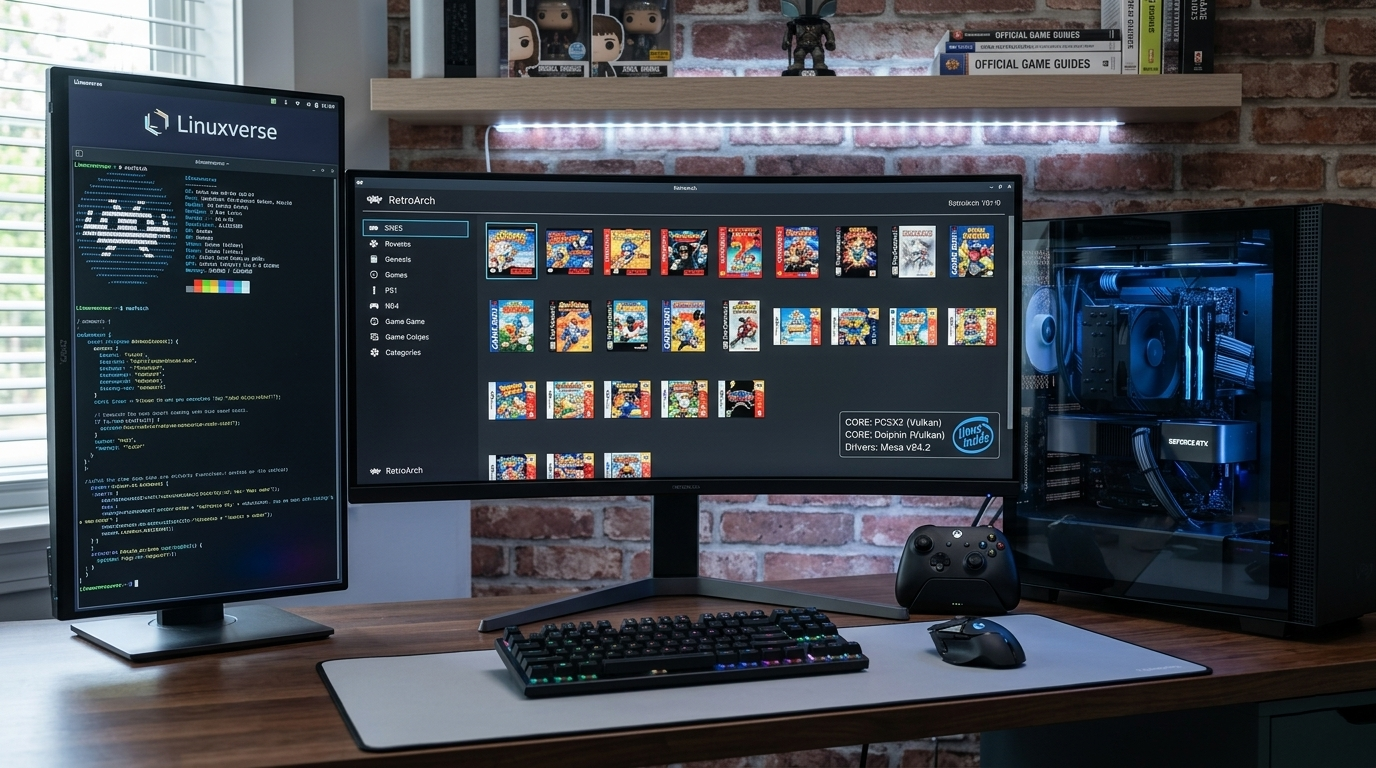
Linux not only excels at running modern games (as you can see here), but it is also undeniably the best platform for emulating retro machines. Whether it’s a Commodore 64, a PlayStation 2, or arcade machines from the 1990s, Linux offers a more accurate and low-latency experience than any other system.
1. The Basics of Emulation on Linux
Before we dive into the software, it’s important to understand two basic concepts:
- Emulator: A piece of software that mimics a specific piece of hardware (e.g., a NES console).
- Core: A specialized emulator engine that runs within a framework.
- BIOS/Firmware: Emulating many consoles requires the original machine’s system software. You’ll need to obtain these from your own physical machine.
2. The All-in-One Solution: RetroArch
If you don’t want to install a separate program for every machine, RetroArch is the solution for you. It’s not an emulator, but a framework (frontend) that brings together different emulator cores.
Why is it the best choice?
- Input Lag Optimization: With “Run-Ahead” technology, you can eliminate the inherent latency of modern operating systems, achieving a near-zero response time that rivals the experience of playing on original hardware connected to a CRT monitor.
- Shaders: You can recreate the banding of old CRT monitors or the characteristic greenish tint of the GameBoy display.
- Organization: You can manage your entire library in one place.
Installation (Flatpak recommended):
flatpak install flathub org.libretro.RetroArch
3. Levels of Emulation: What Hardware Do You Need?
- 8/16-bit Era - C64, NES, SNES, Genesis - Any desktop or laptop PC with integrated graphics, even one that's 10+ years old.
- 32/64-bit Era - PS1, N64, Saturn - Entry-level modern integrated graphics cards (Intel UHD/older Core i3).
- Modern Retro - PS2, GameCube, Wii - Modern integrated GPU (iGPU) (Intel Iris Xe/Arc or AMD Radeon). Dedicated GPU is only needed for high-end (4K) upscaling.
4. Dedicated Emulators for "Heavyweights"
There are times when it’s better to use standalone emulators instead of RetroArch cores for better performance:
- PCSX2: The king of PlayStation 2 emulation. On Linux, it works wonders even on older graphics cards when using the Vulkan renderer.
- Dolphin: For GameCube and Wii games. This is one of the most stable and fastest emulators in the world.
- DuckStation: If you’re looking for the best PS1 experience with upscaled (4K) resolution.
5. EmulationStation and Batocera: If you just want to play
If you want to turn your PC into a dedicated game console, check these out:
- EmulationStation Desktop Edition (ES-DE): A beautiful graphical interface that organizes your games.
- Batocera.linux: This is a complete operating system that you can even boot from a USB drive, instantly placing you in a professional retro console interface.
Tips for the perfect experience
- Vulkan over everything: If the emulator allows it, always choose the Vulkan API over OpenGL. Performance is better and the FPS is more stable.
- Controller support: Linux natively supports most modern controllers (Xbox, PS4/PS5, 8BitDo). It recognizes them instantly even via Bluetooth.
- Upscaling: If you have a dedicated graphics card, set the "Internal Resolution" to 2x or 3x. This will make older games appear crystal clear on modern monitors.