
For many years, content creation and the professional creative industry were dominated by a two-horse race between Apple and Microsoft. According to a persistent stereotype in the public consciousness, there simply isn’t a suitable software suite for Linux when it comes to photo editing, video editing, or 3D design.
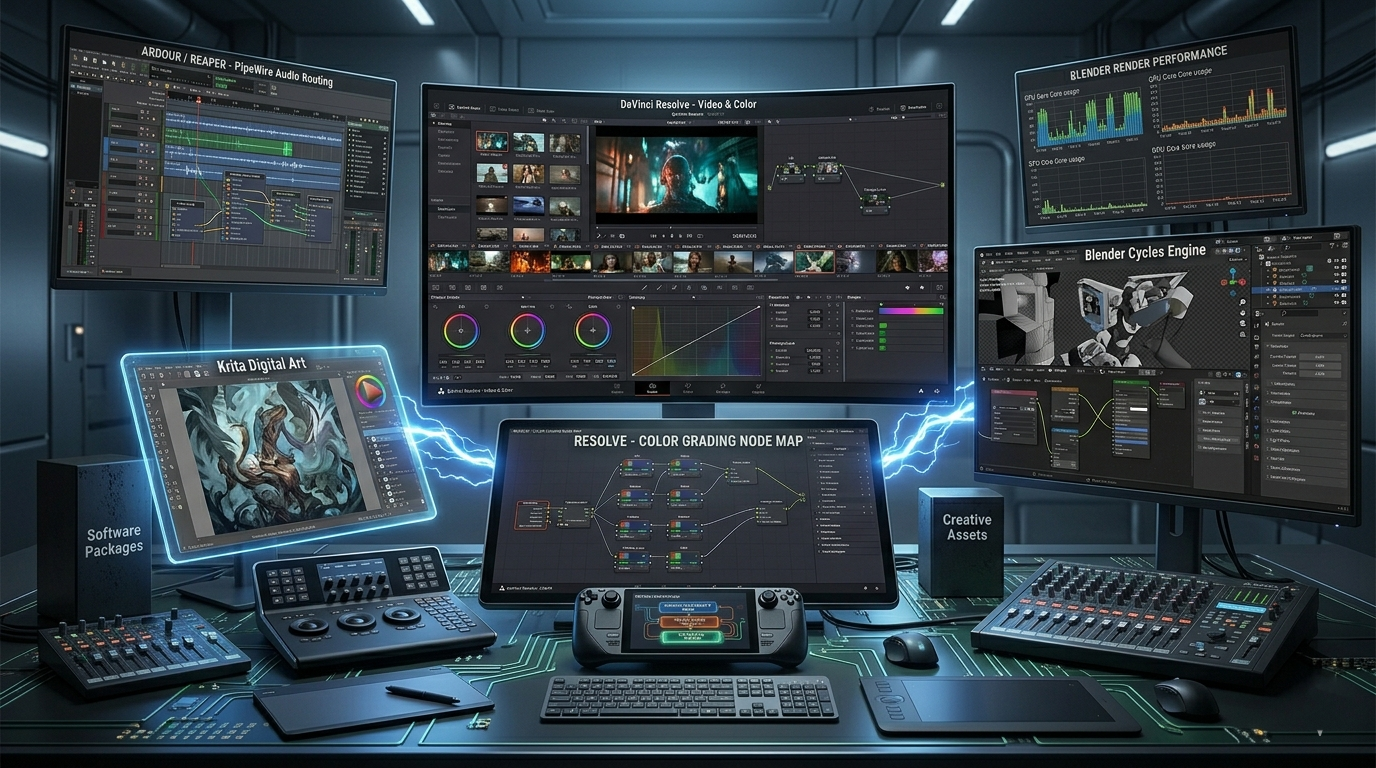
That view has now been completely overturned. Far from crippling the system, the absence of Adobe Creative Cloud has made way for an open-source, professional ecosystem that often surpasses proprietary alternatives in stability, speed, and licensing freedom.
1. DaVinci Resolve: The Hollywood standard, natively
If there is one piece of software that single-handedly justifies Linux’s place in professional studios, it is DaVinci Resolve, developed by Blackmagic Design. This is not an emulated, “tinkered-with” version: the film industry’s most important color grading and editing software runs as a native Linux application.
- The technical background: Under Linux, DaVinci Resolve communicates directly and extremely efficiently with the GPU via the NVIDIA CUDA or AMD ROCm platforms. Since the Linux kernel’s memory management is more aggressive and efficient, playback and rendering of multi-track, raw (RAW) 4K/8K videos often results in far fewer micro-stutters than under Windows.
- A Linux-specific note: It is important to note that the Linux version of Resolve is designed for professional environments (based on CentOS/Rocky Linux, with a dedicated GPU and studio audio systems). For this reason, installation on common distributions (e.g., Debian, Ubuntu) and handling audio formats (e.g., AAC licensing restrictions) require some technical know-how, but the result is a rock-solid studio machine.
2. Blender: The Undisputed King of Open Source
Blender is one of the greatest success stories in modern software history. The suite, used for 3D modeling, animation, VFX, and rendering, has not only caught up with its exorbitantly priced competitors (Maya, 3ds Max) but has also become an industry standard supported by the world’s largest studios.
BLENDER RENDER ENGINE (Cycles)
- Linux Kernel-optimized thread management (CPU)
- Direct hardware access: NVIDIA CUDA / OptiX & AMD HIP (GPU)
RESULT: Rendering times up to 5–15% faster
Blender’s primary development platform is Linux. Official benchmark tests consistently show that Blender’s own rendering engine (Cycles) completes tasks faster on the same hardware under Linux than under Windows. The Linux kernel’s more efficient multi-threaded processor management and minimal number of background processes directly save artists valuable minutes - or, in the case of complex animations, days.
3. Digital Art: Krita and Inkscape
The lack of Adobe Photoshop and Illustrator is the most common argument against making the switch. Although the classic GIMP is an excellent tool, there are now much more professional alternatives available for photo manipulation and digital painting.
Krita - The Champion of Digital Painting
Krita is not a “Photoshop clone,” but a professional drawing program designed specifically for illustrators, concept artists, and texture artists.
- It supports the CMYK color space, non-destructive layer masks, and advanced brush engines.
- Linux graphics tablet drivers (e.g., Wacom or OpenTabletDriver) handle pressure sensitivity at the system level with low latency, making the drawing experience pinpoint accurate.
Inkscape - The Swiss Army Knife of Vector Graphics
For anyone working with vector graphics, logo design, or typography, Inkscape’s native SVG-based environment offers a full-fledged alternative to Adobe Illustrator. It features extremely precise path handling and an extensive plugin ecosystem.
| Creative Field | Industry / Adobe Standard | Professional Linux Alternative | Advantage in a Linux Environment |
|---|---|---|---|
| Video Editing & Color Grading | Premiere Pro / After Effects | DaVinci Resolve | More stable memory management for large files, efficient hardware GPU utilization. |
| 3D & VFX | Maya / 3ds Max | Blender | Measurably faster CPU/GPU rendering times thanks to kernel-level optimizations. |
| Digital Painting | Photoshop | Krita | Dedicated brush engines, excellent open-source drawing tablet support. |
| Vector Graphics | Illustrator | Inkscape | Clean, native W3C SVG standard compliance; no forced proprietary file formats. |
| Audio Post-Production | Pro Tools | Ardour / Reaper | Low-latency audio routing at a studio level powered by PipeWire/JACK. |
The key takeaway: No subscription pressure
The greatest advantage of the Linux-based creative workflow is not only technical stability, but also economic and data privacy independence. Unlike the cloud-based, monthly subscription (SaaS) model of Adobe and other large companies, most Linux tools are free or offer a perpetual license with a one-time purchase (such as Resolve).
Data stays on your local machine, there are no DRM (digital rights management) checks running in the background to slow down the system, and no one can change the software’s terms of use overnight.
Linux gives creators exactly what they need most for their work: complete control.