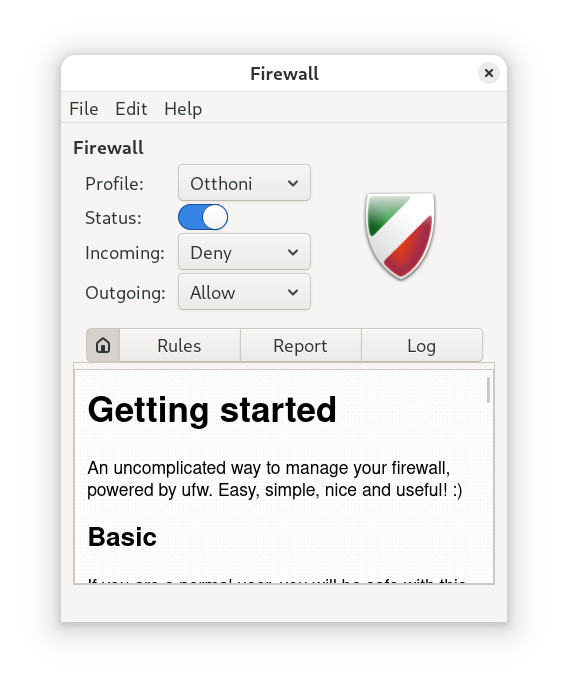
Security is not an option, but a fundamental requirement. UFW (Uncomplicated Firewall) was created to make the complex iptables rules of Linux systems understandable and manageable for everyone, without compromising security.

1. Default Policies
Before adding any rules, we need to establish the basics. The safest approach is to block all incoming traffic and allow all outgoing traffic.
To protect your system against external attacks, use the following command:
sudo ufw default deny incomingTo allow browsing and updates:
sudo ufw default allow outgoing
2. The Most Important Commands (With Examples)
Enabling SSH (Critical!): If you manage the machine remotely, this is the first thing to do before activating the firewall, otherwise you will be locked out:
sudo ufw allow sshActivating the Firewall: Once your rules are set, you must explicitly enable UFW (it is disabled by default):
sudo ufw enableWeb server traffic:
sudo ufw allow http
or
sudo ufw allow 80/tcpChecking status:
sudo ufw status verbose
3. Graphical interface: GUFW
For those who prefer a mouse over a keyboard, there’s GUFW.