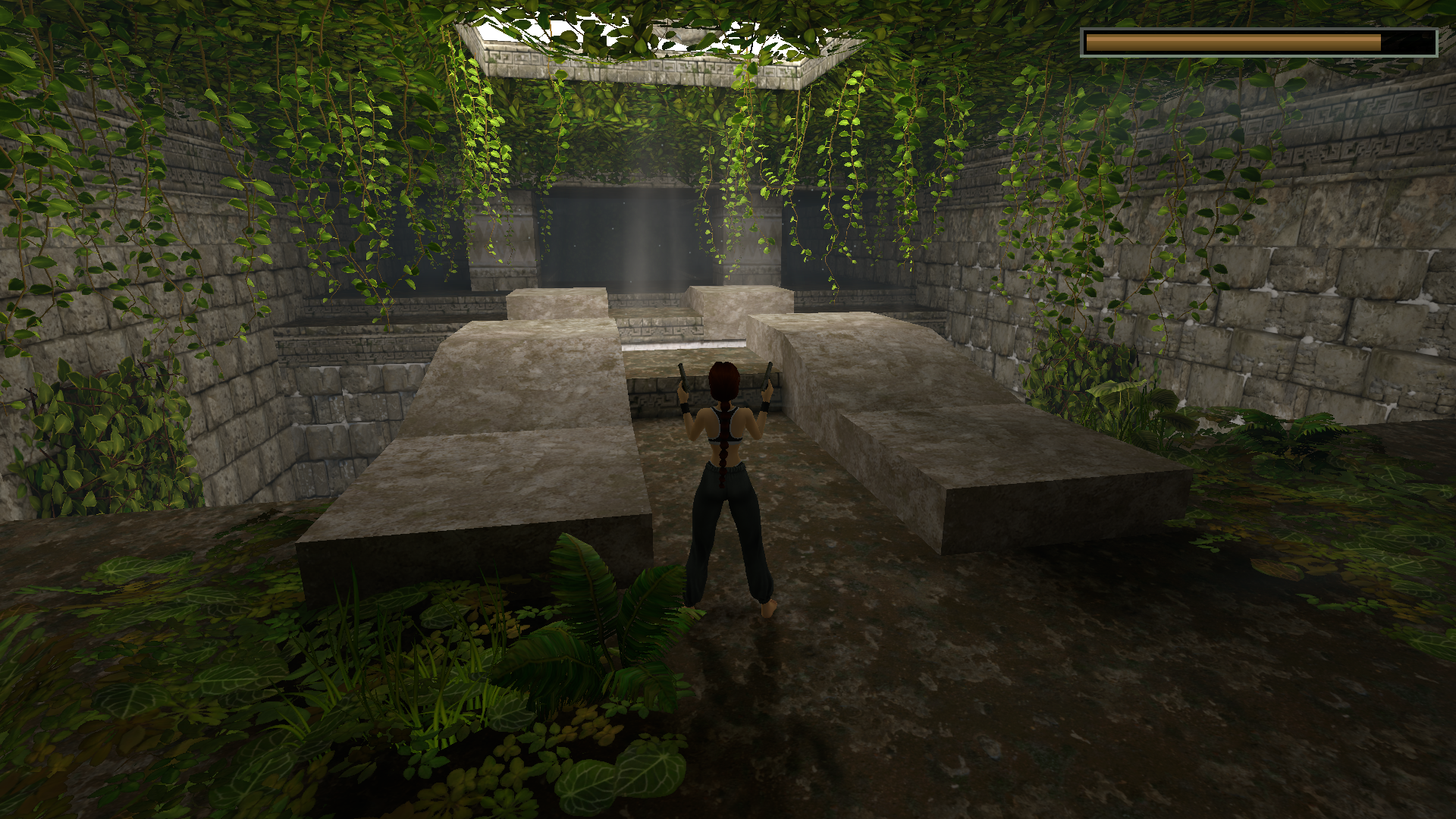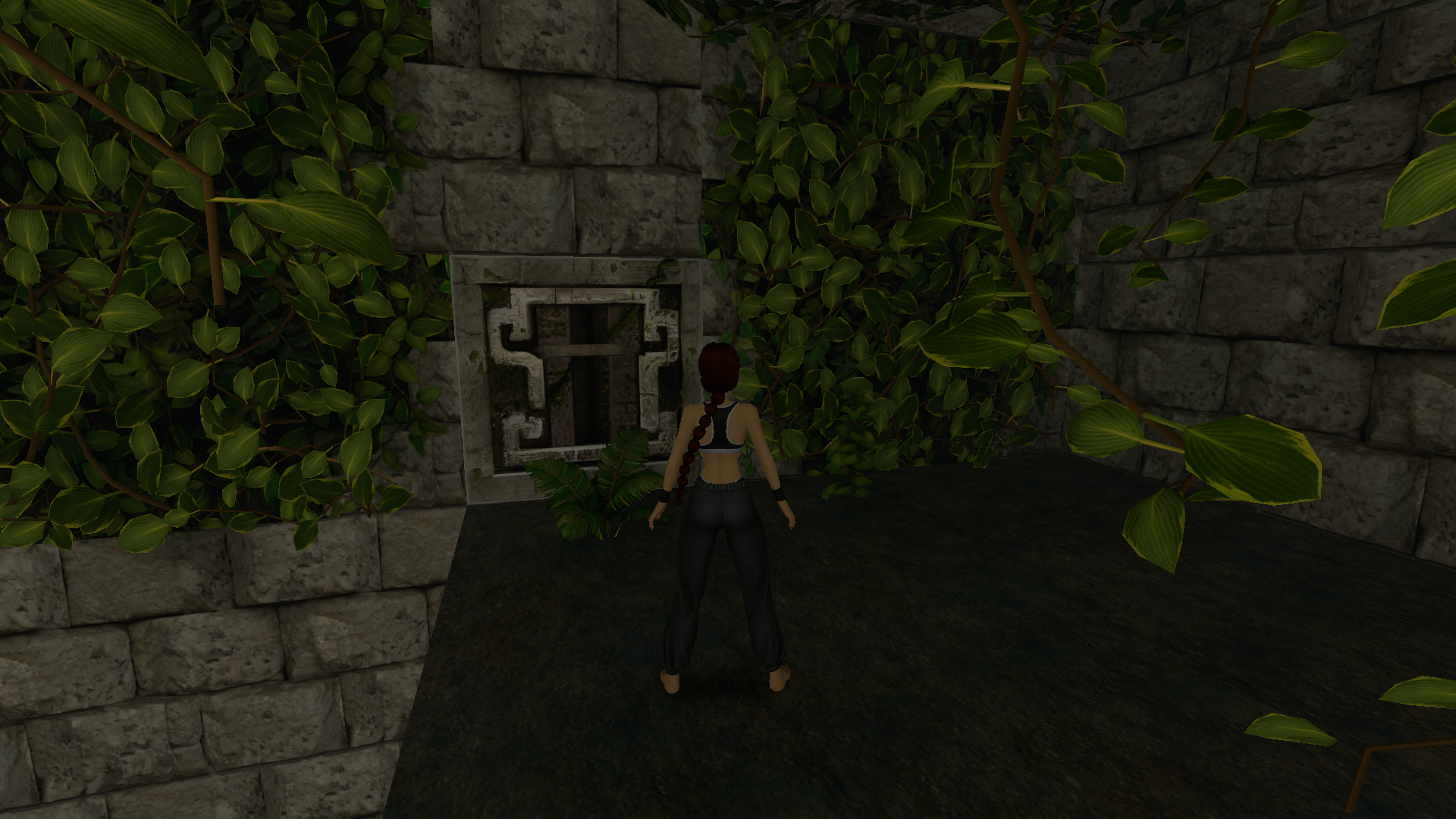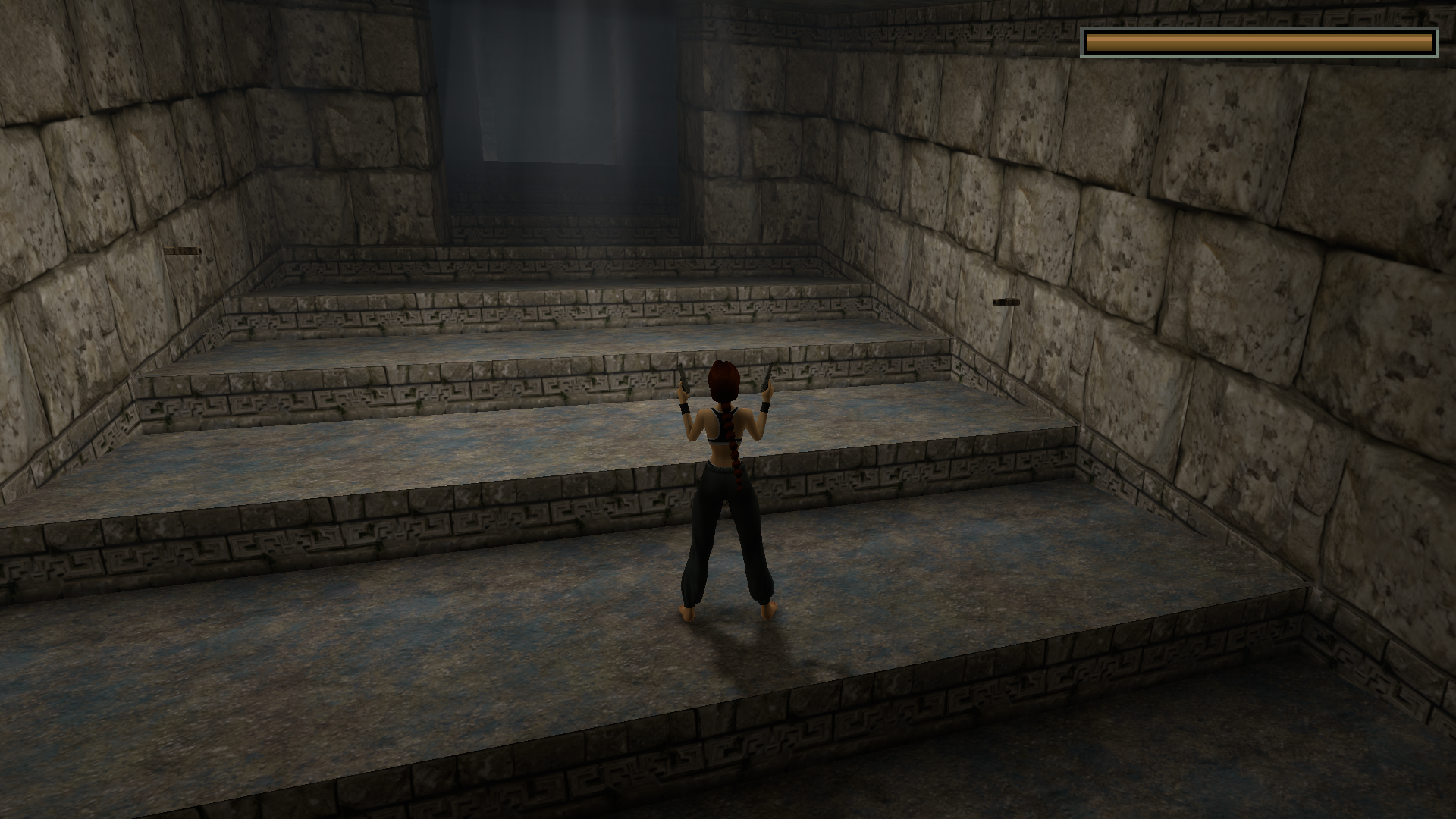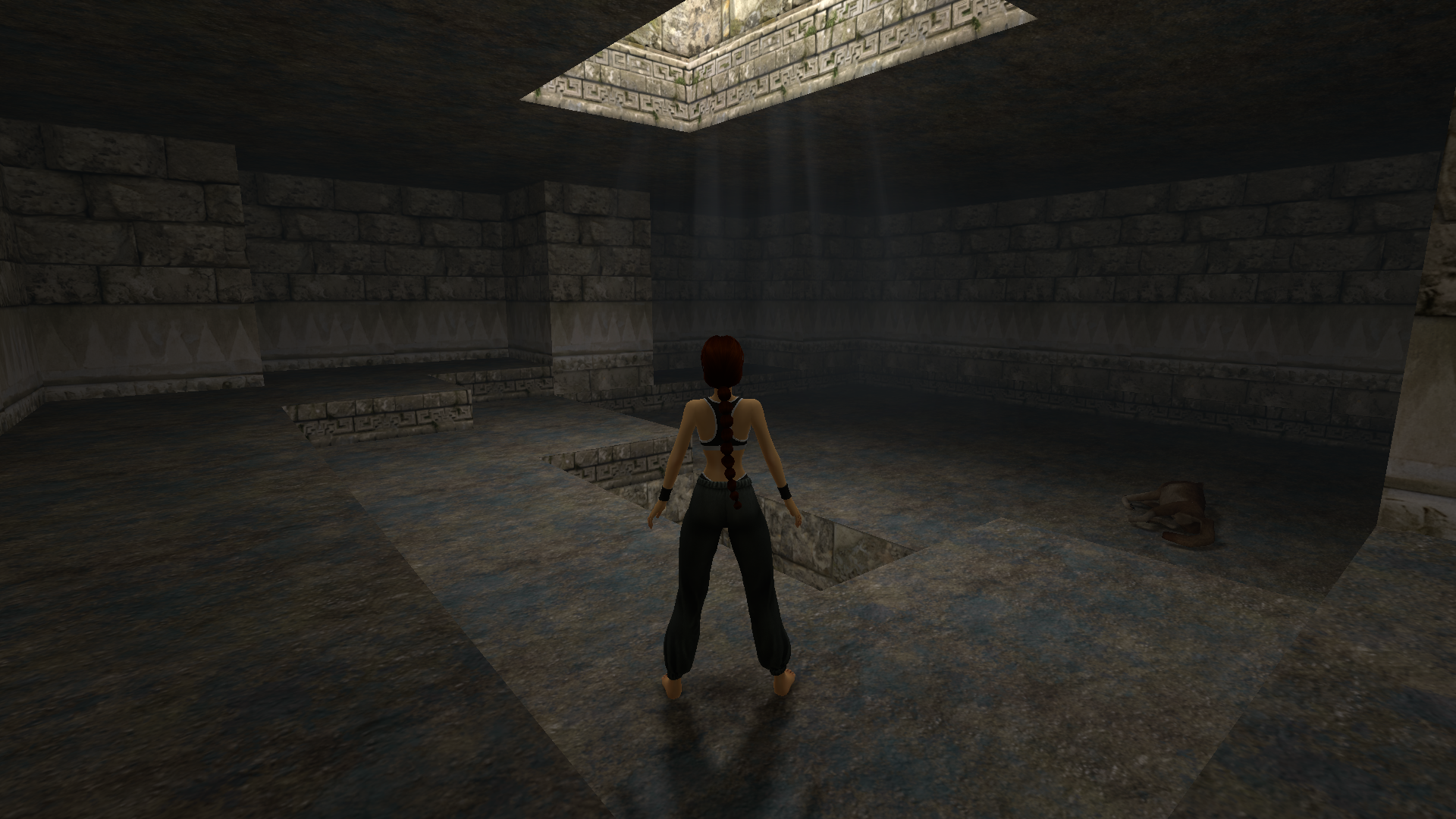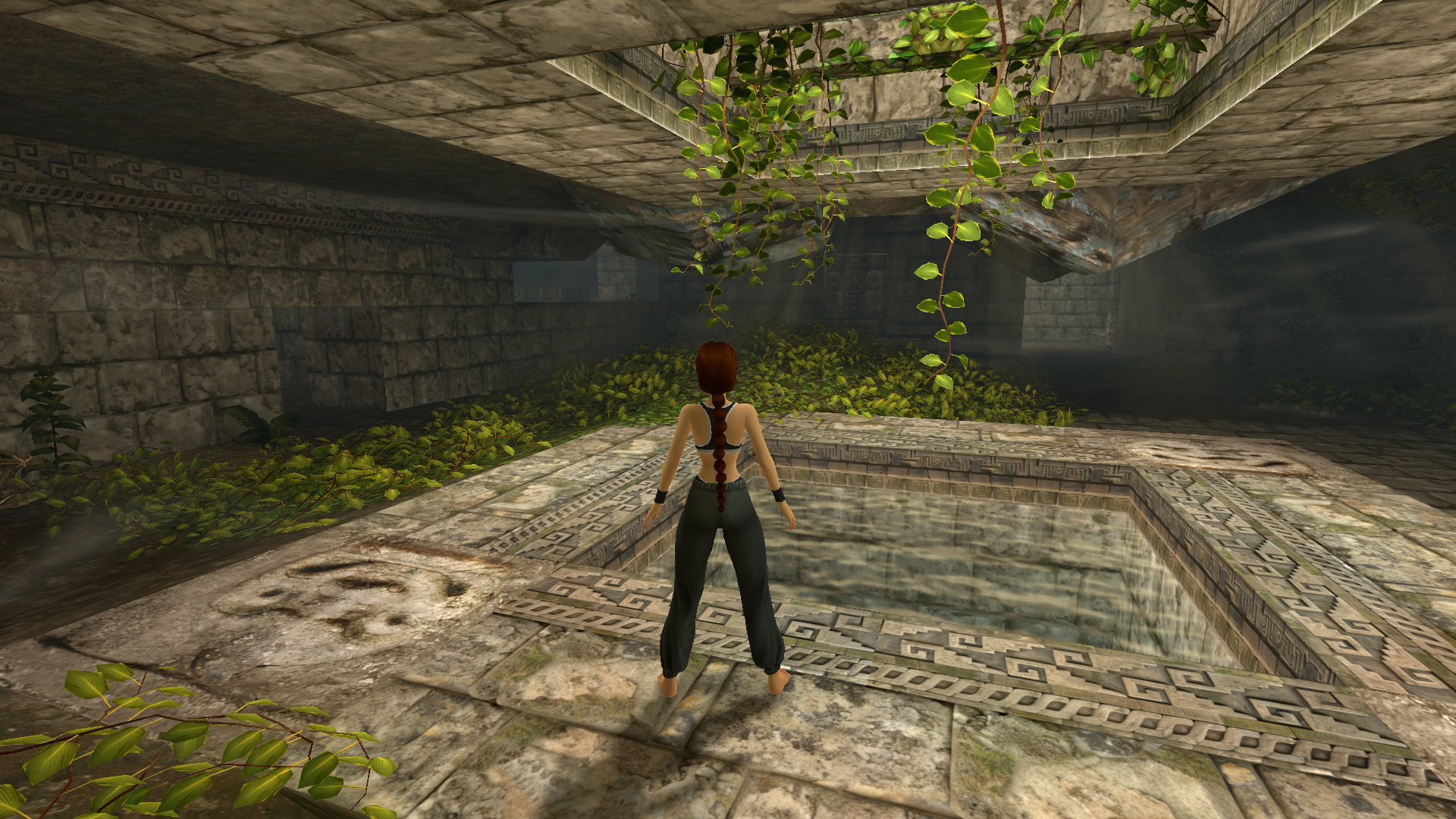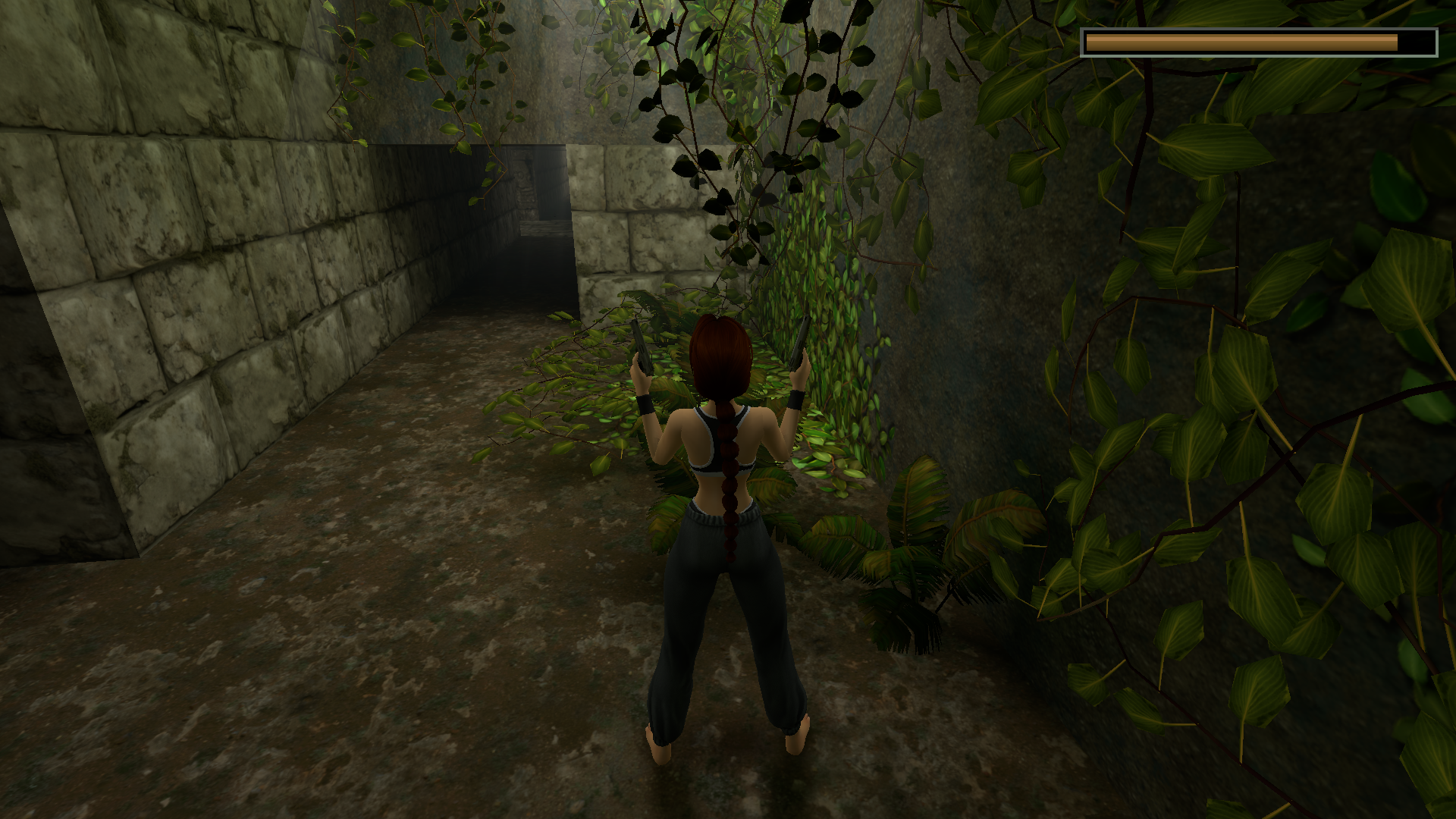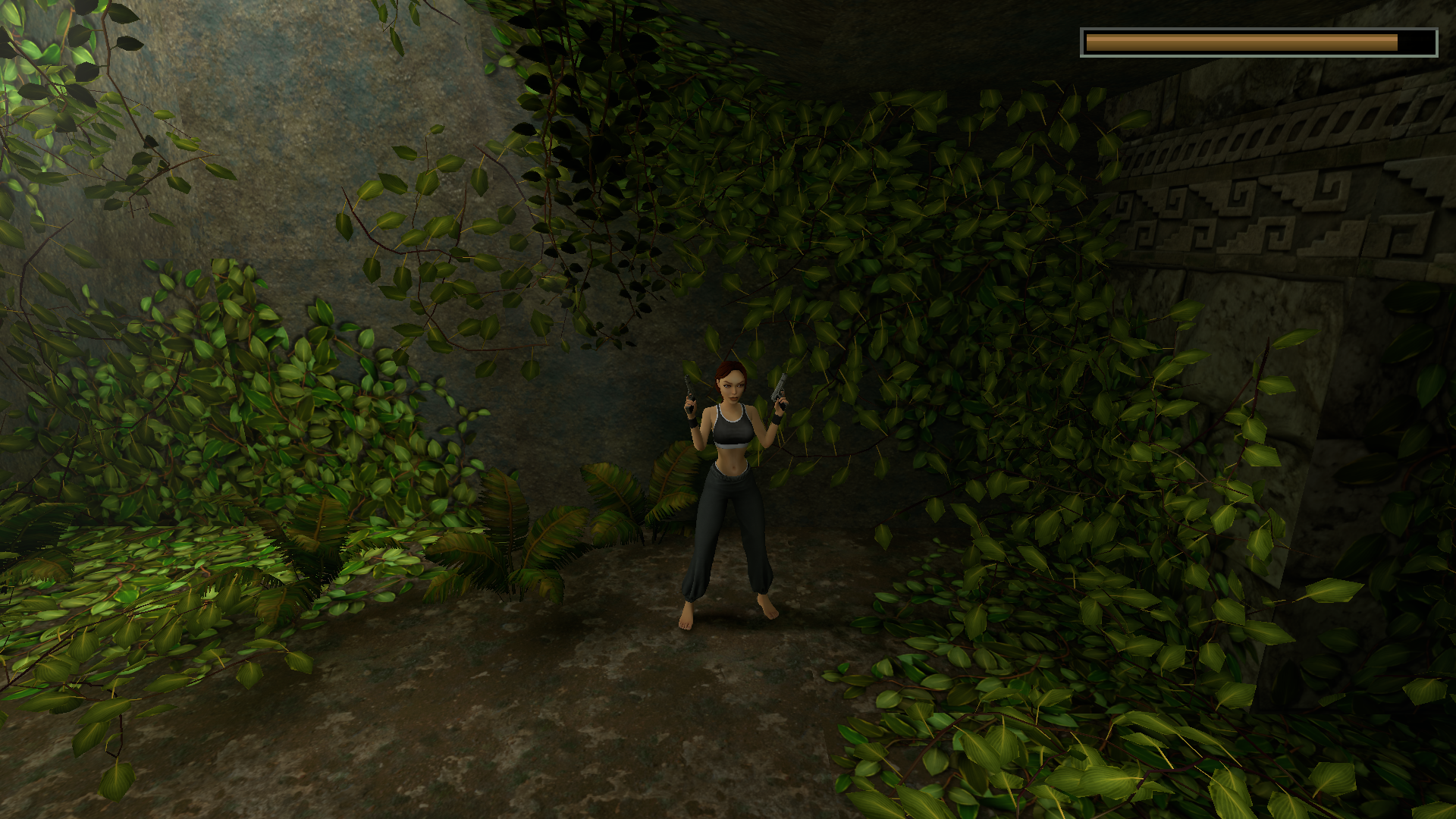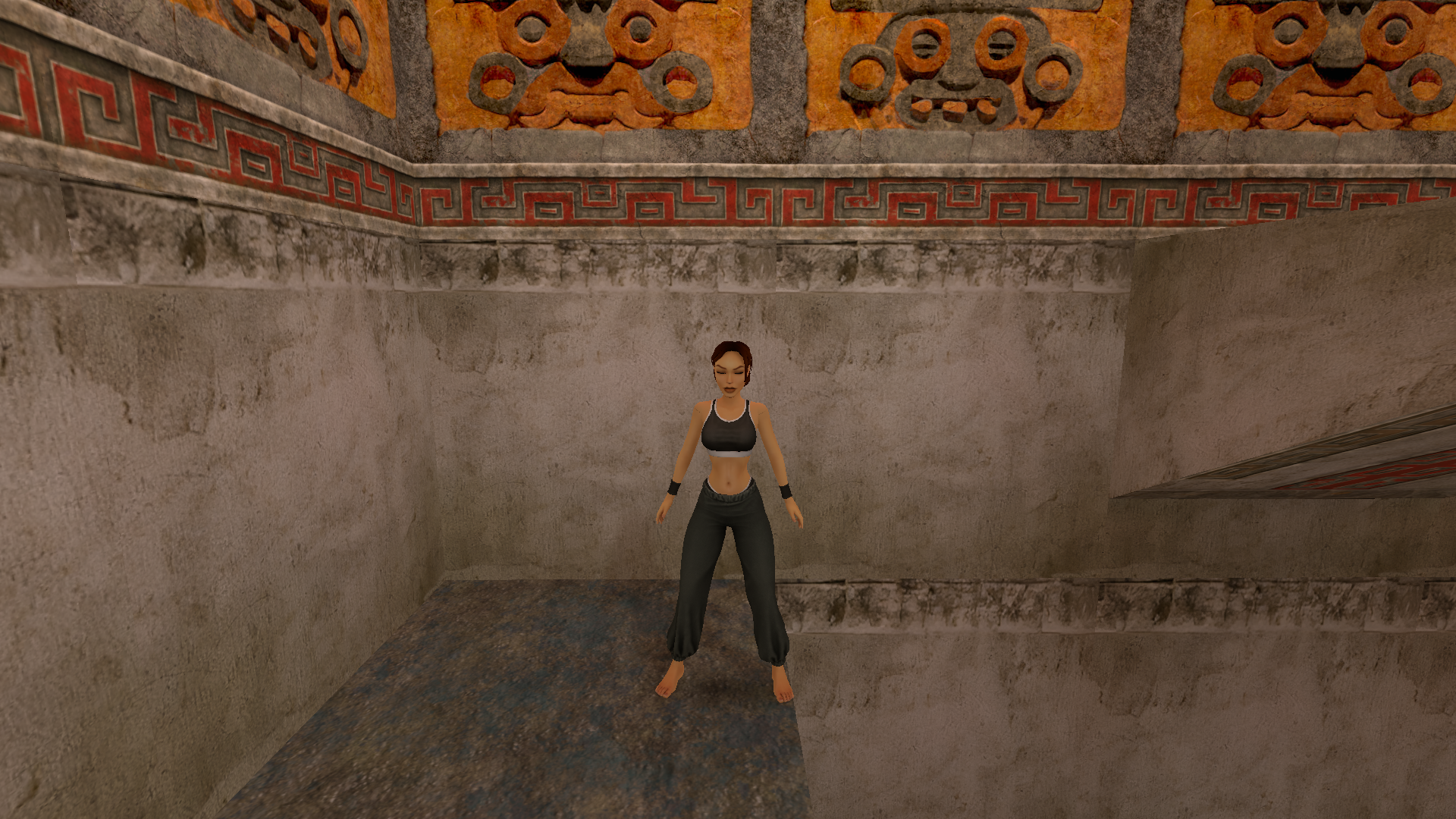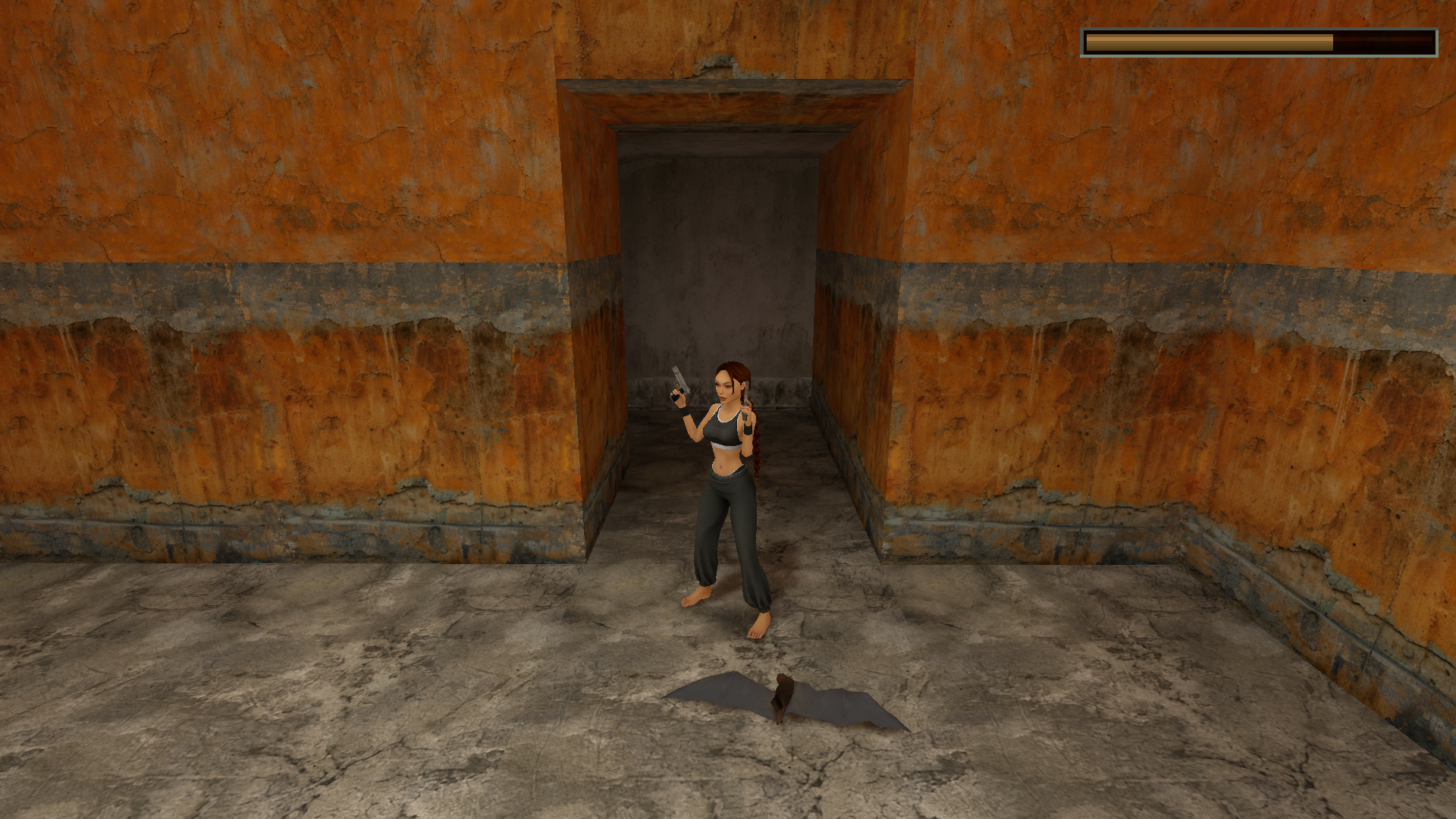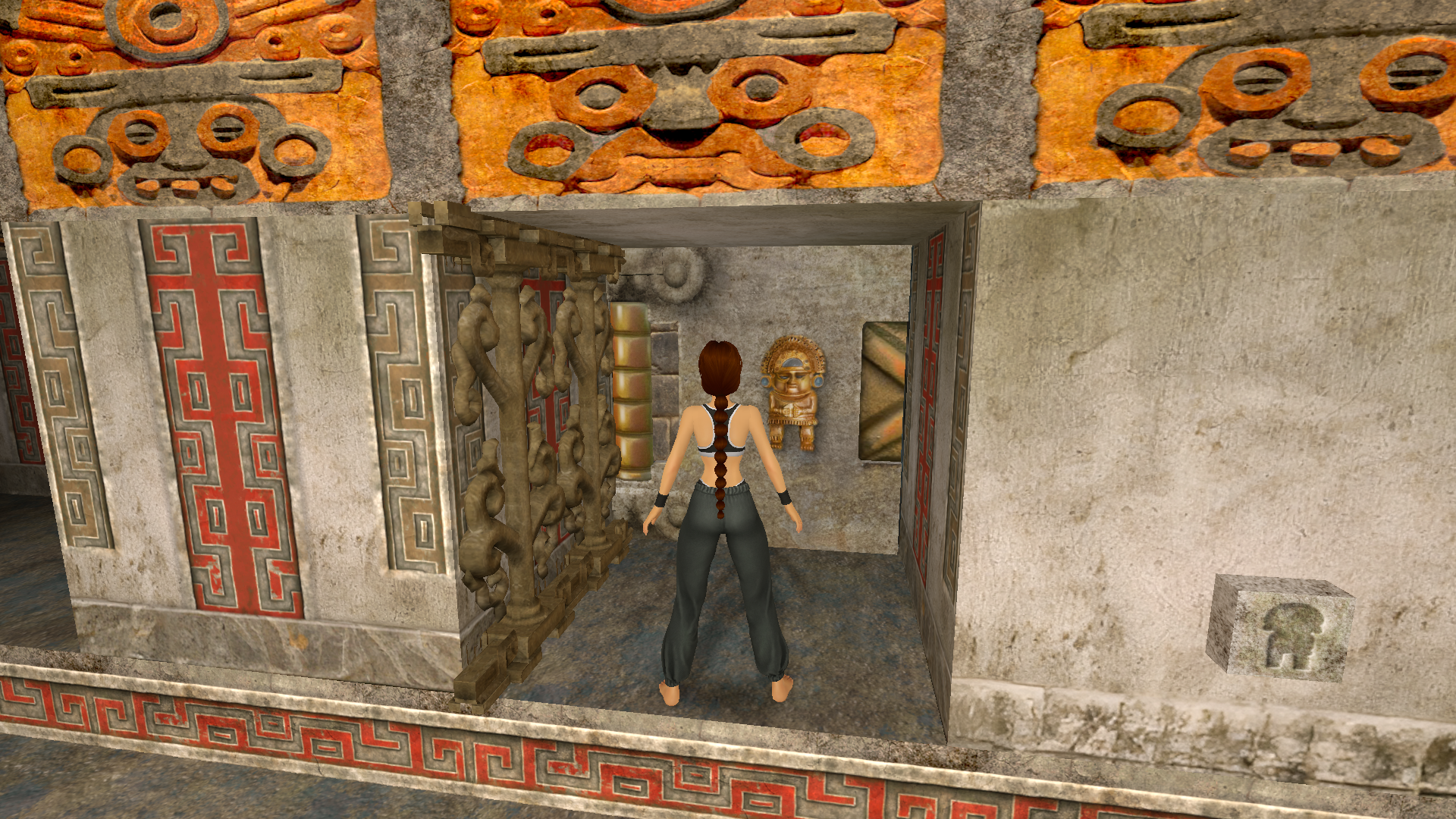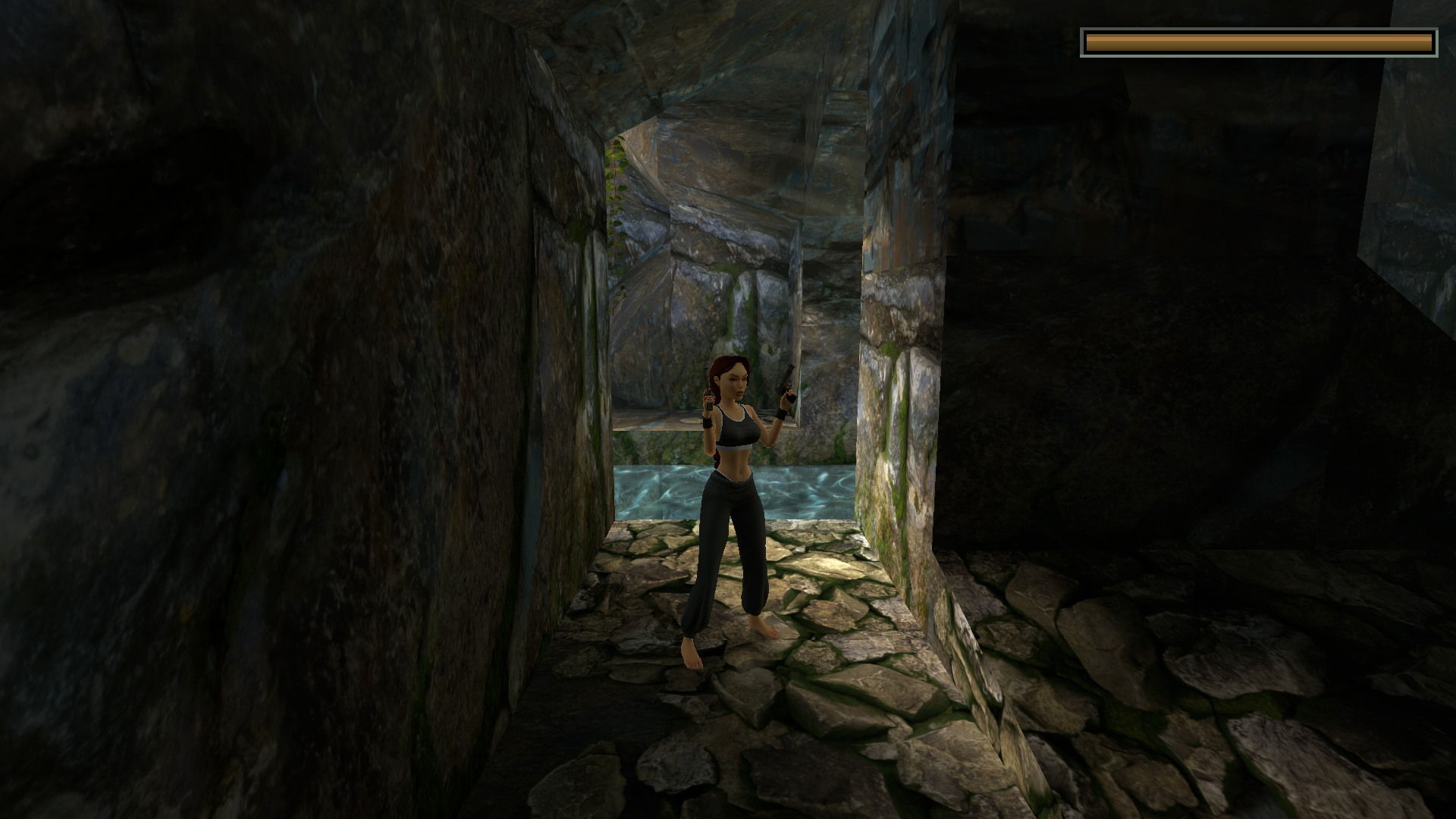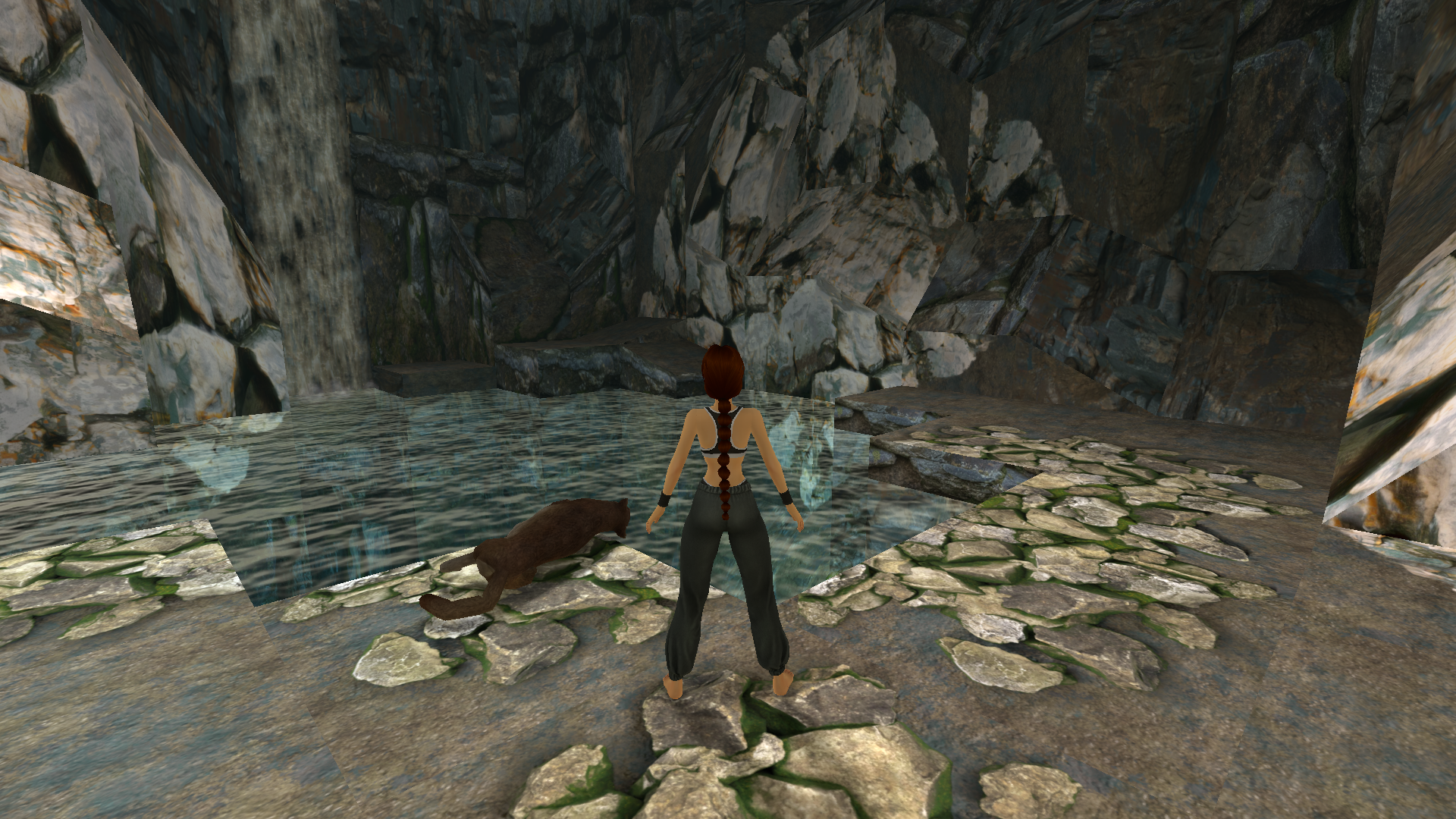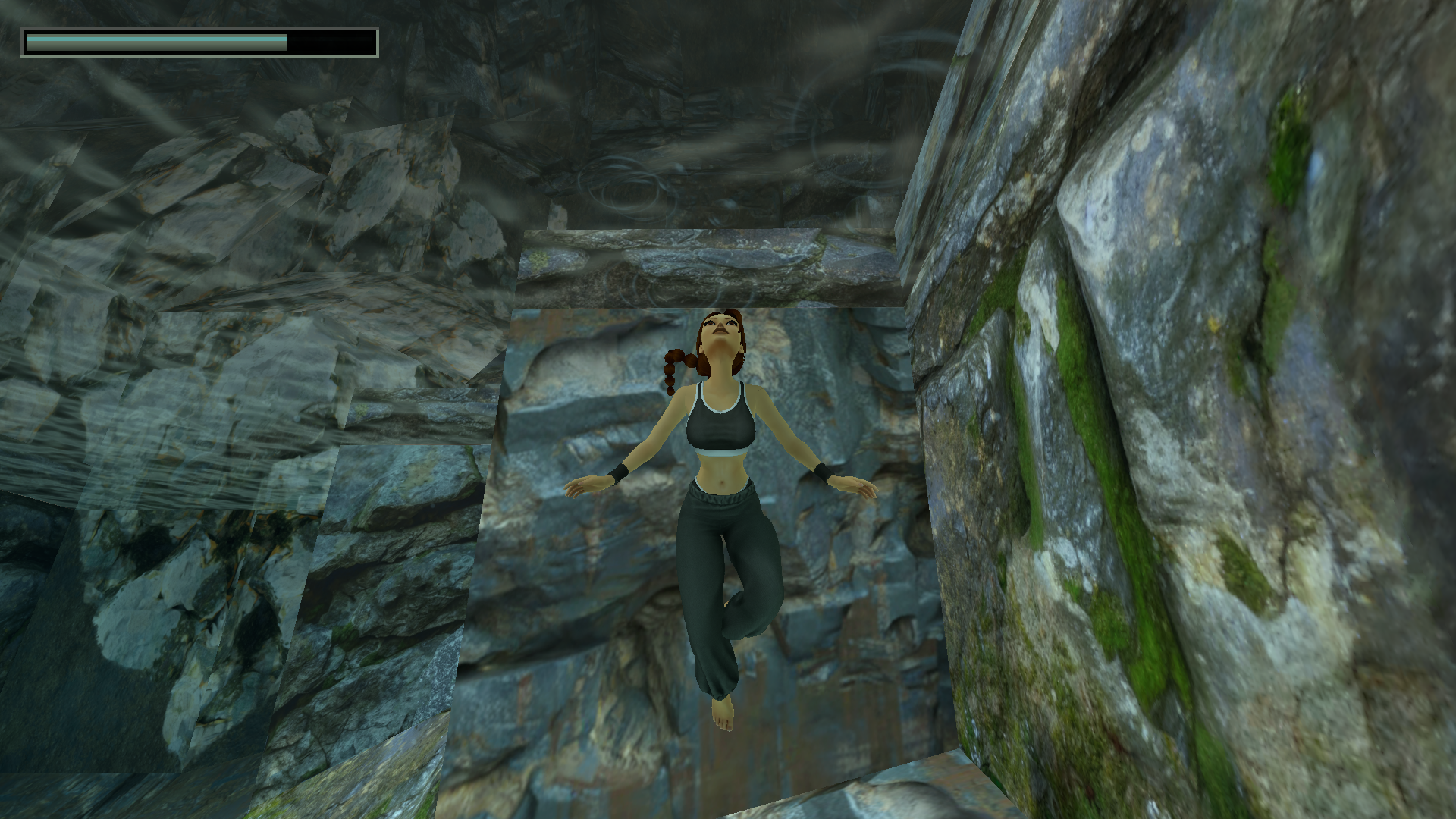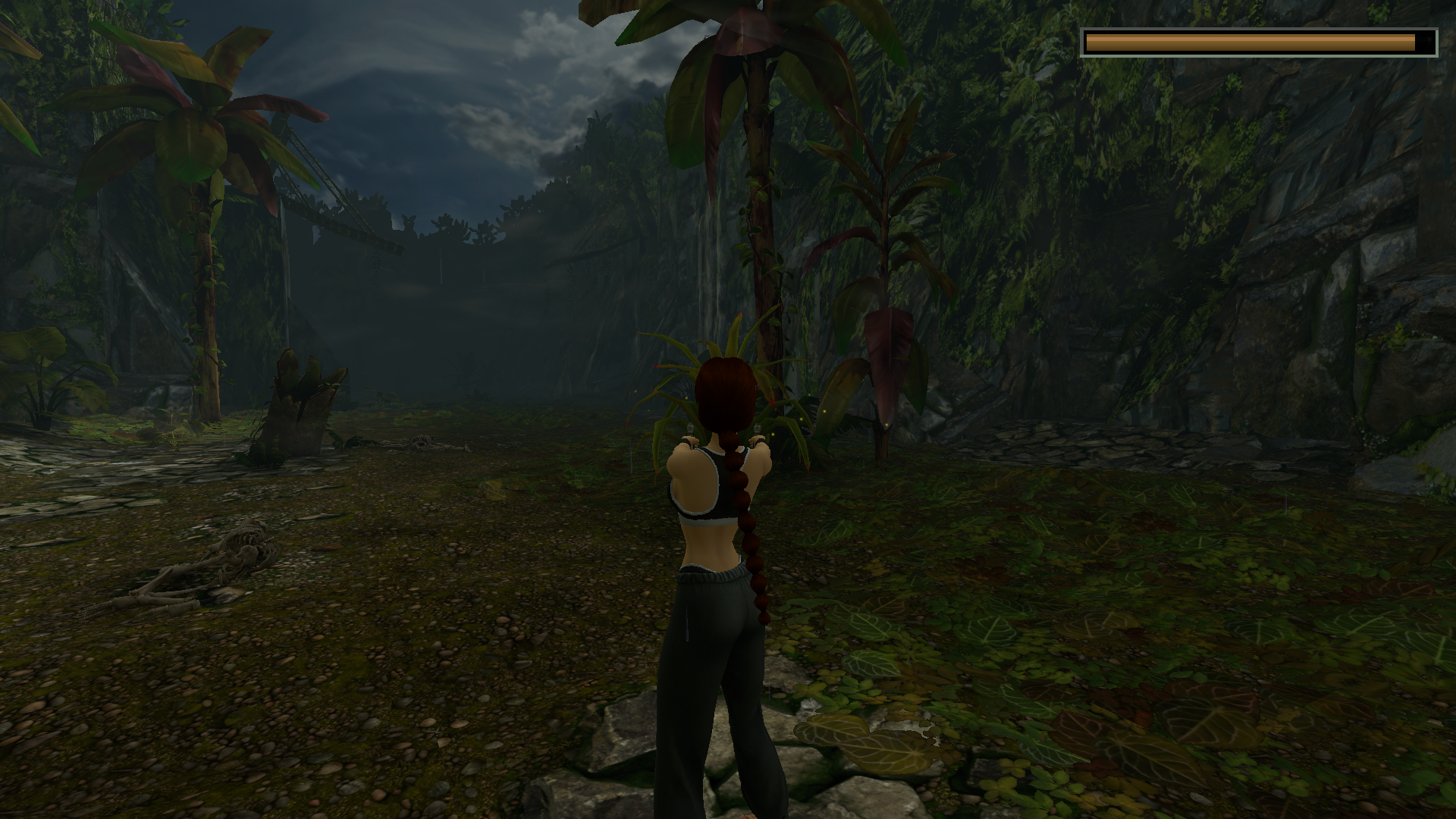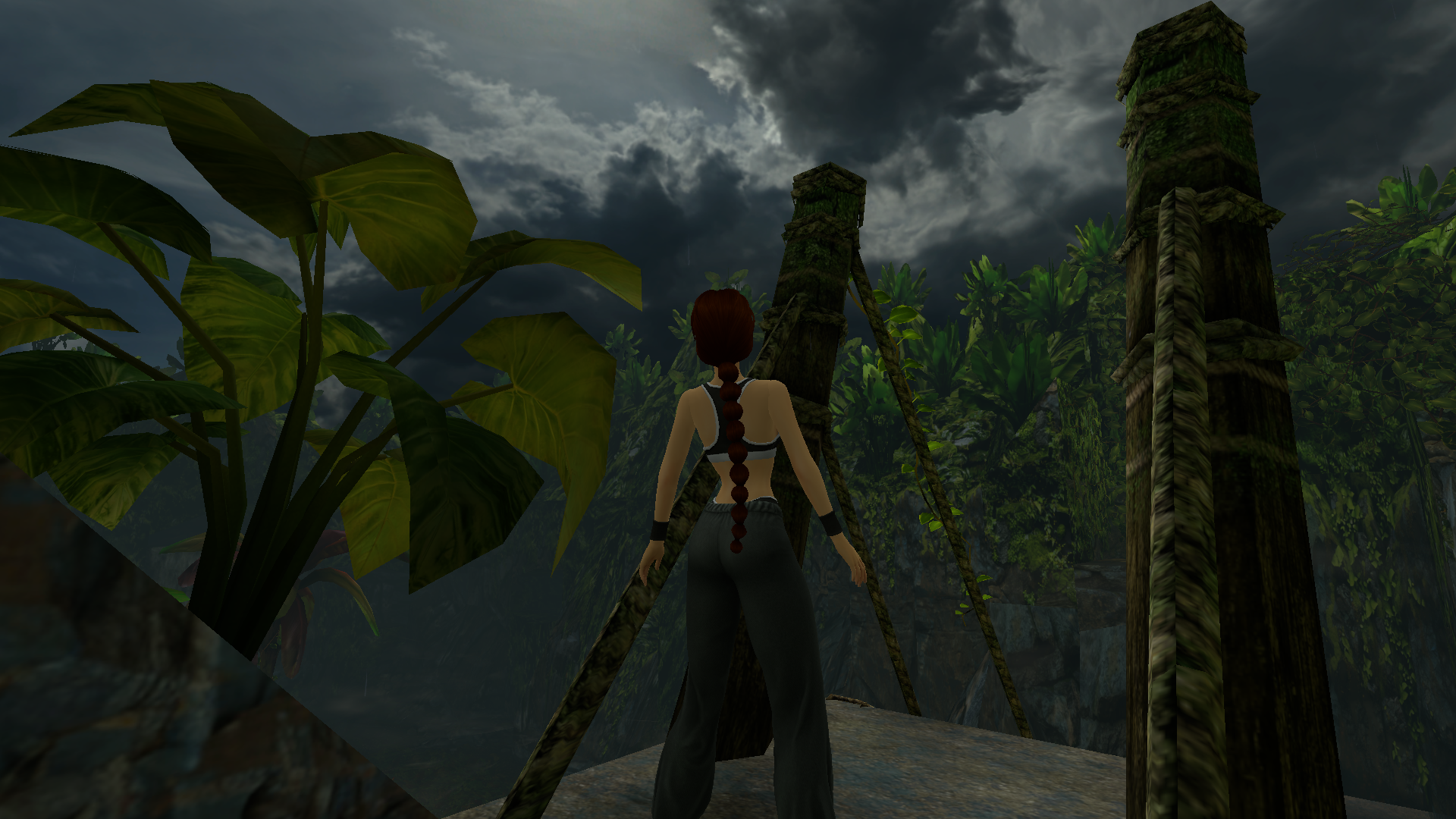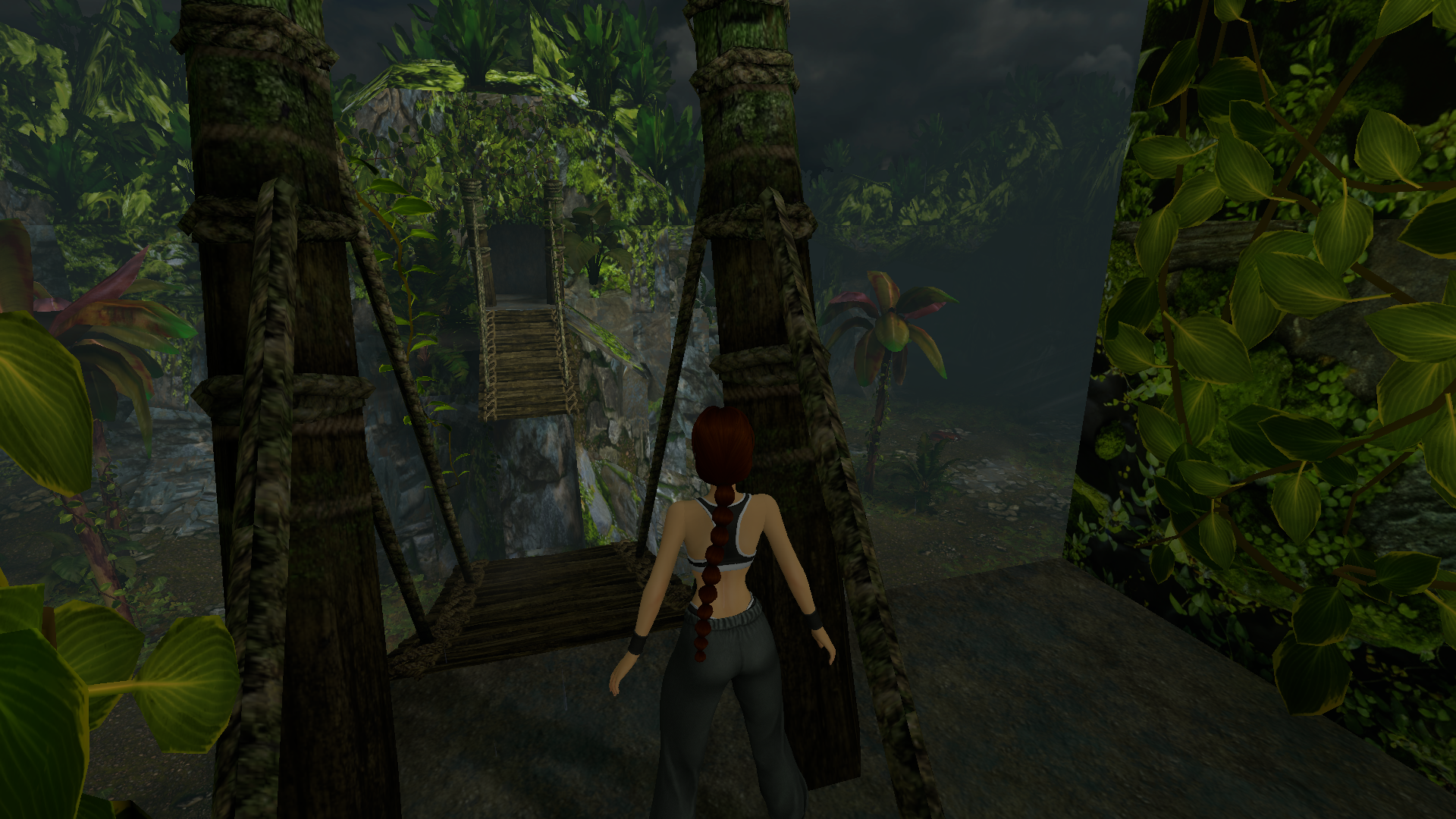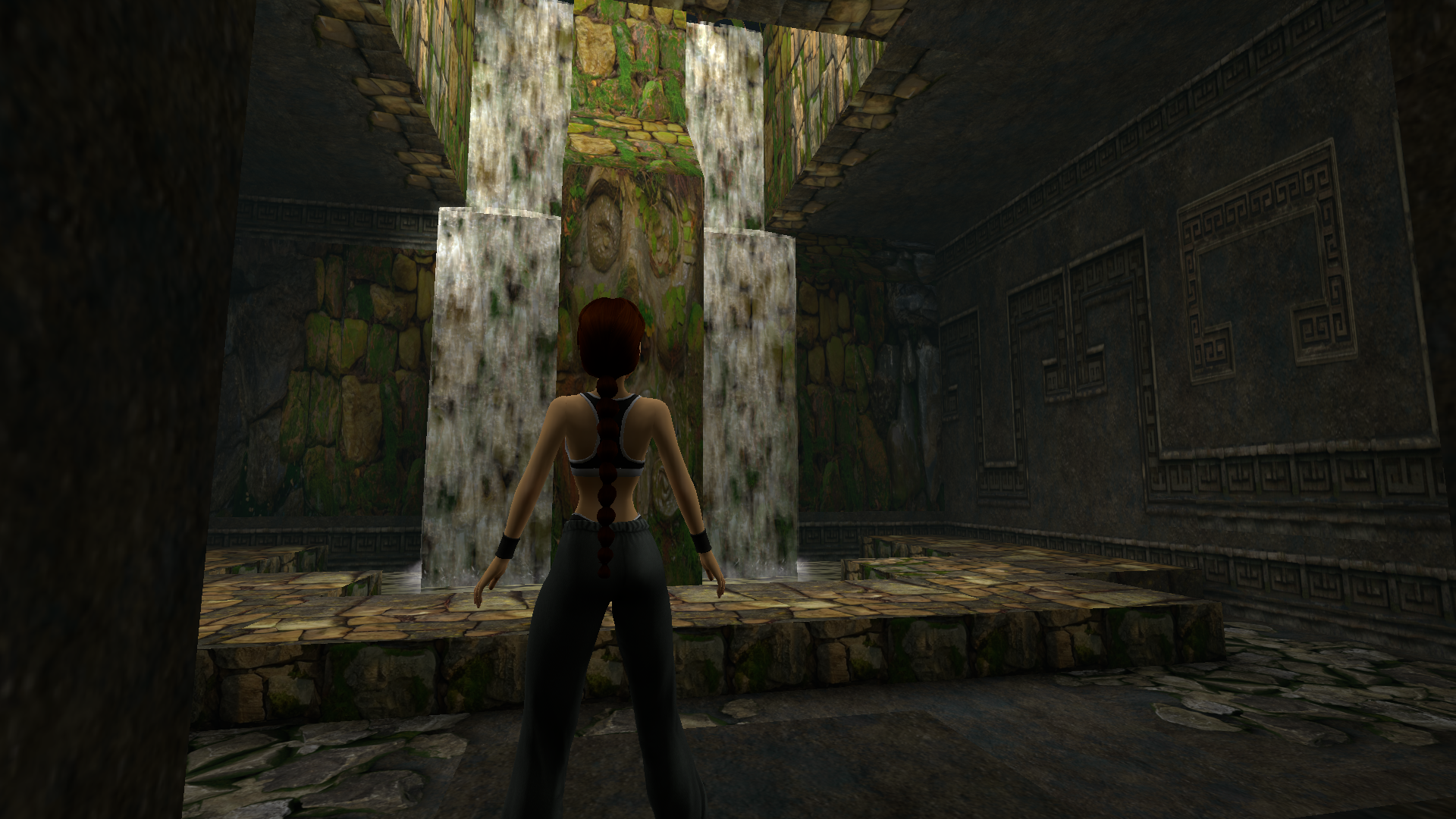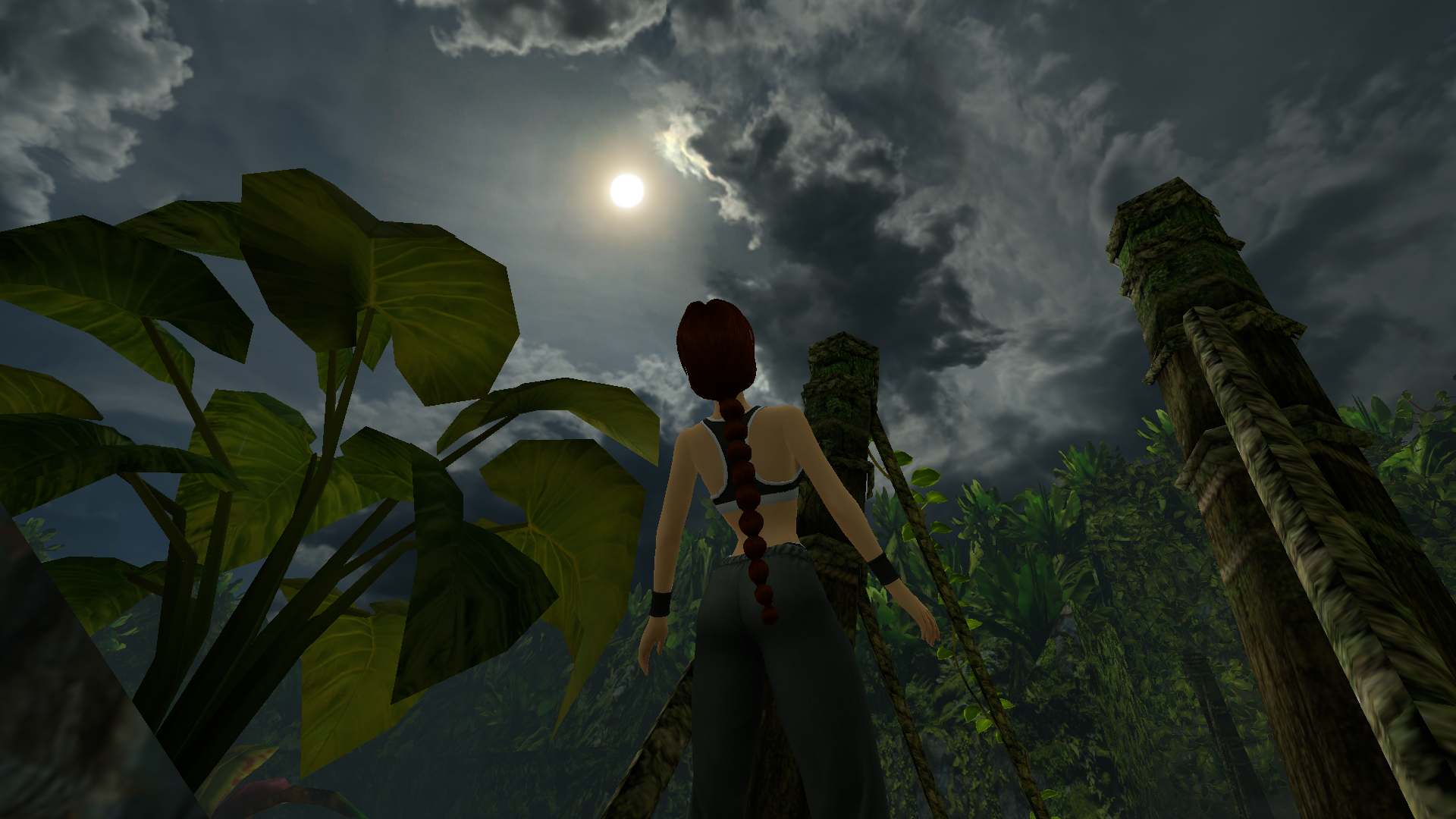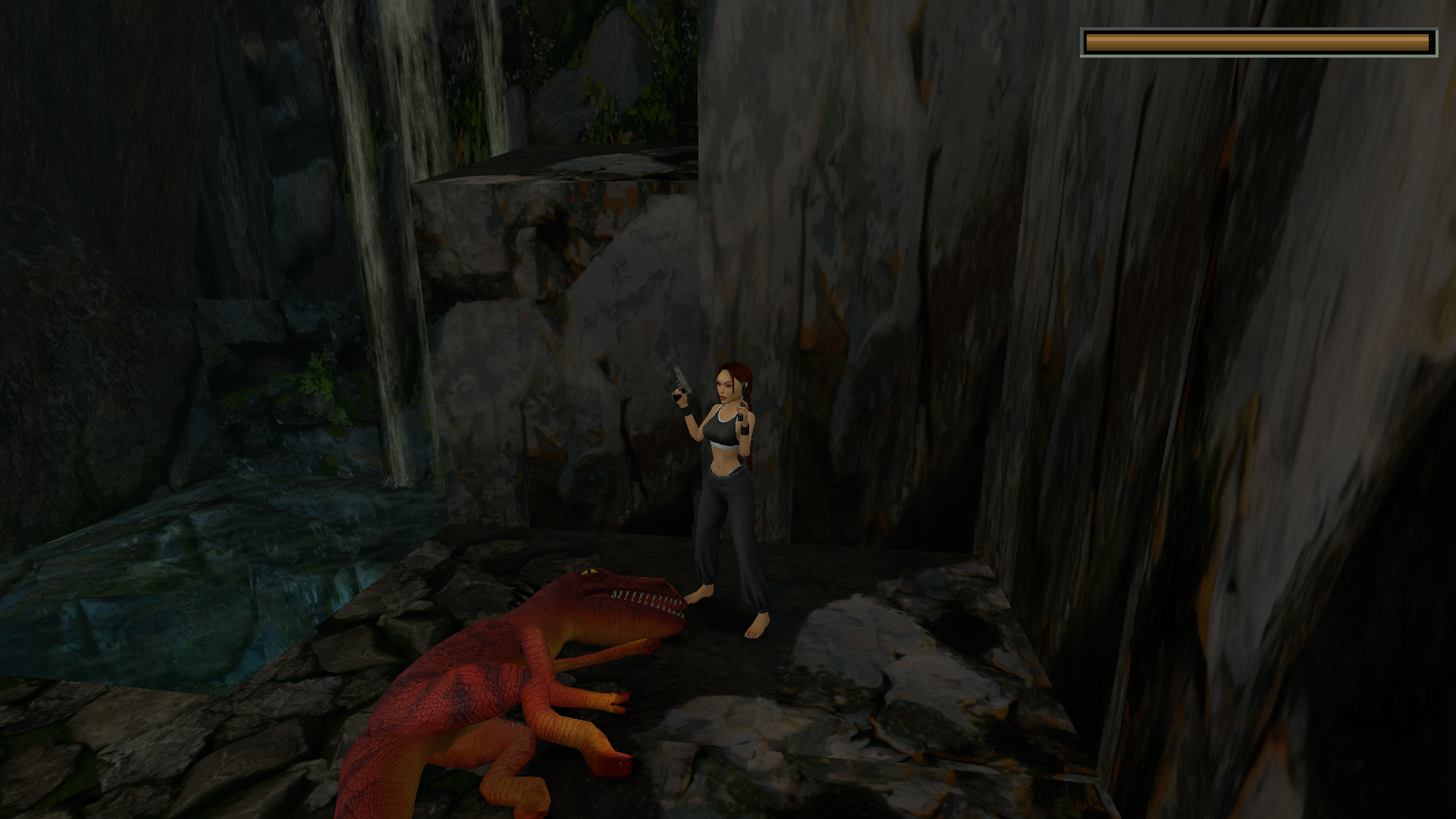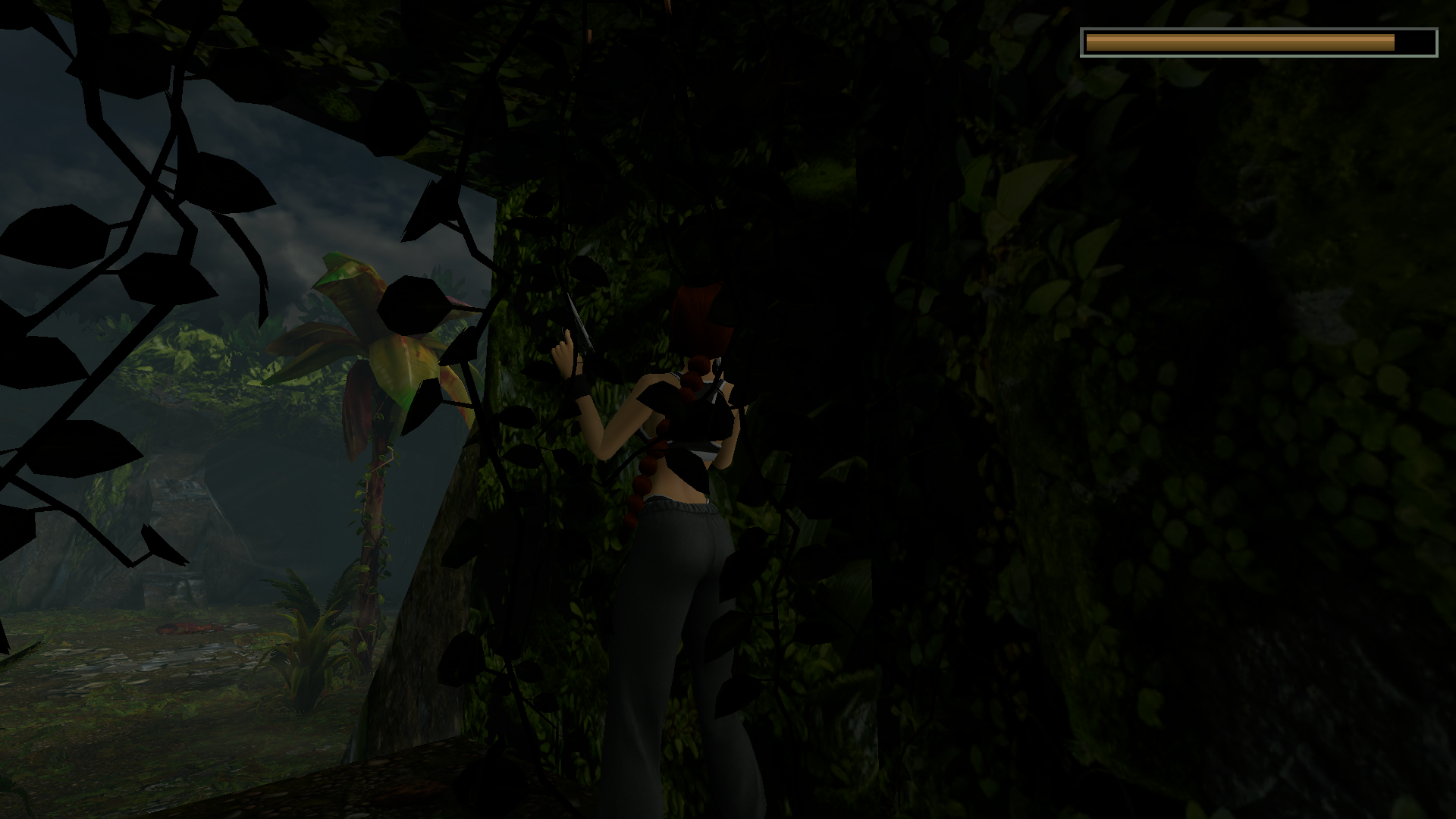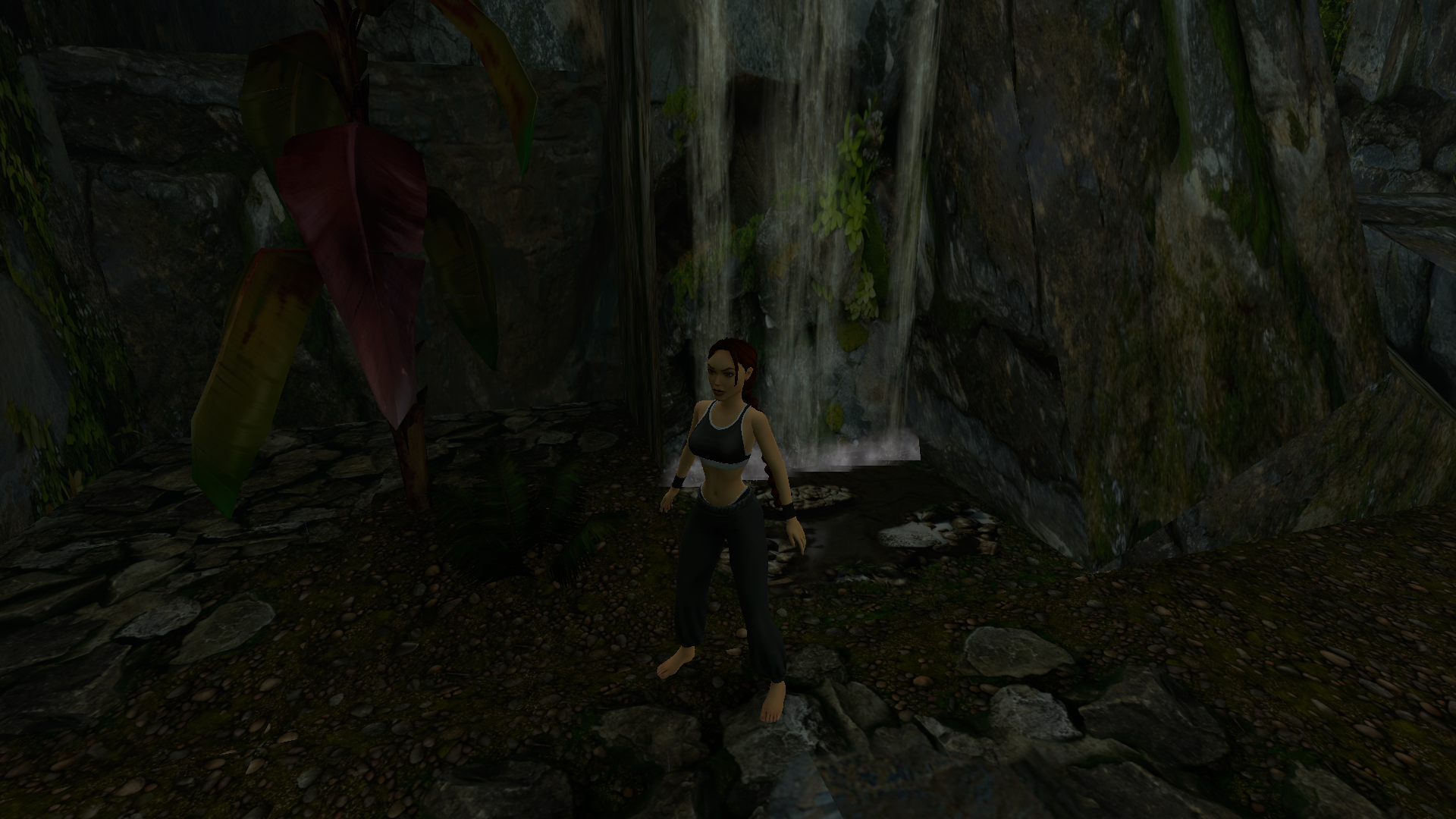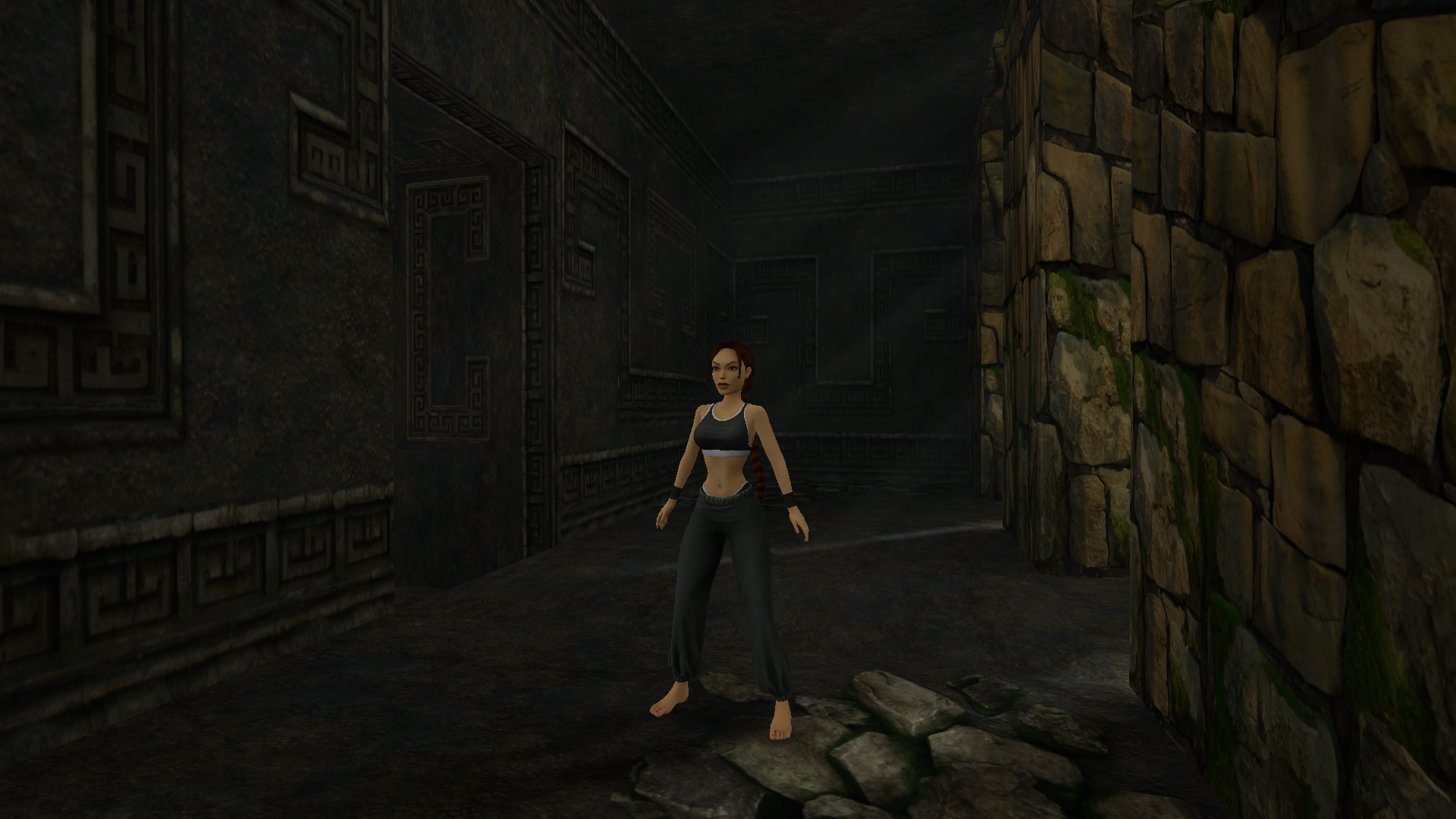

One of the most iconic series in the history of video games.
Lara Croft is back, and starting today (May 21, 2026), the complete Tomb Raider I-II-III Remastered collection from 2024 is available for free for one week, courtesy of the Epic Games Store.
This milestone is significant not only for nostalgic reasons, but also because the remastered trilogy is one of the “showcase examples” of modern Linux gaming: it’s excellently optimized and offers a nearly native experience on every distribution.
Lara Croft: The Modernized Legend
The collection includes the first three episodes, along with all add-ons and secret levels.
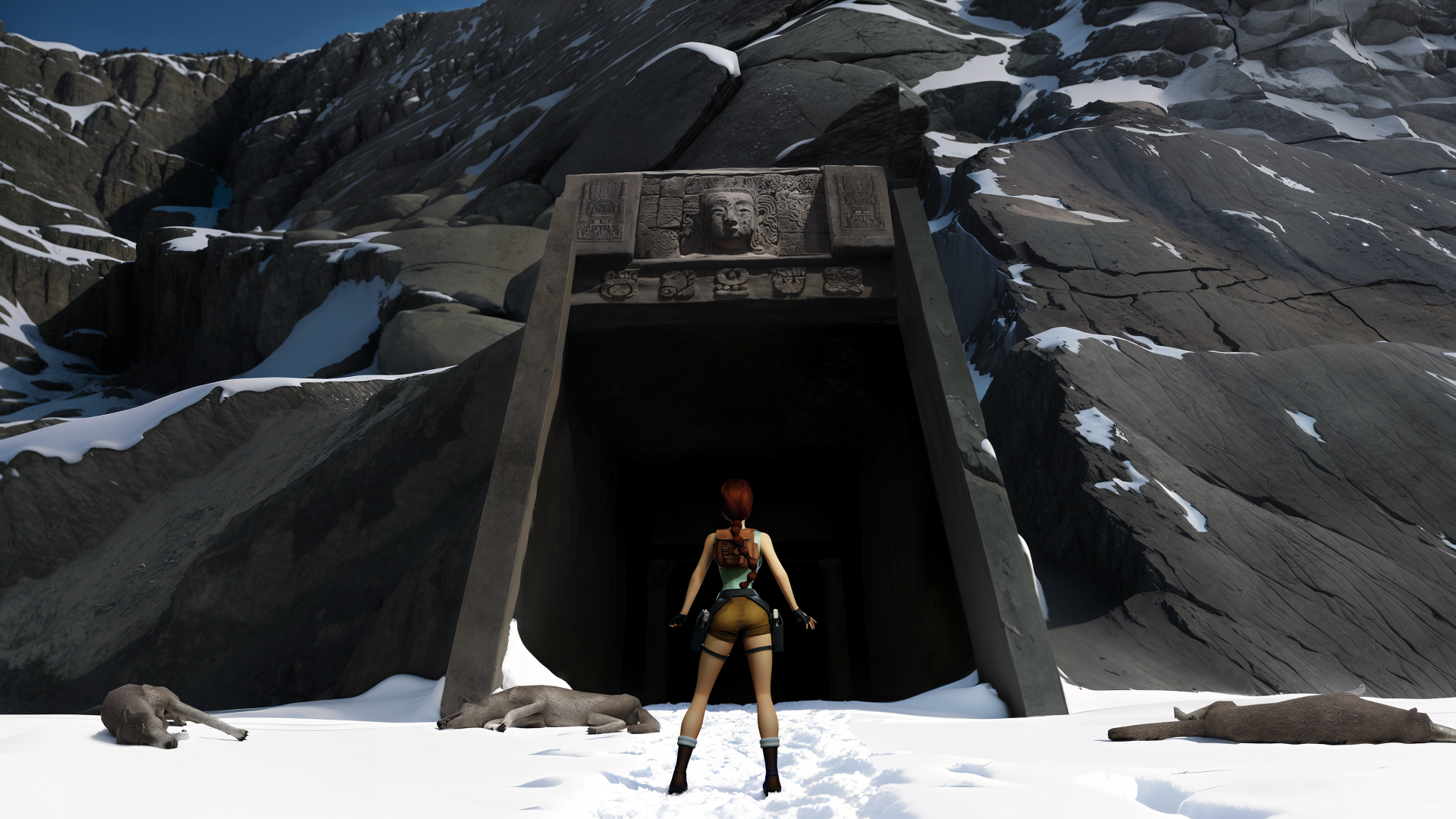
Developed and published by Aspyr, in partnership with Saber Interactive and Crystal Dynamics, the collection not only increases the resolution but also adds completely new textures, real-time lighting, and modernized controls to the game, while allowing you to switch back to the original 1996 graphics at any time with a single keystroke.
Why does it run so well on Linux?
The game uses DirectX 11/12 technology, which Proton (especially version 9.0 or the latest 10) and the DXVK driver layer convert almost losslessly into Vulkan commands that Linux can interpret.
- Steam Deck: Stable 90 FPS with minimal power consumption.
- Desktop PC: 144+ FPS achievable even at 4K resolution on mid-range hardware.
- Compatibility: No need for complicated scripting; Proton-GE versions even handle specialized video codecs.
Classic vs. Remastered
| Feature | Original 1996-1998 Experience | Tomb Raider I-III Remastered (2024) |
|---|---|---|
| Graphics Engine | Fixed-point, software rendering (or early Glide). | Modern Engine. Updated 4K textures, dynamic lighting. |
| Control Scheme | Strict "Tank Controls" (Grid-based). | Modern 360° Movement. Optional classic controls. |
| Frame Rate | Capped at 30 FPS. | Unlocked Frame Rate. Supports 144Hz+ monitors. |
| Linux Integration | Required emulators or complex Wine setups. | Plug-and-Play. Flawless Proton/Heroic compatibility. |
| Extra Content | Expansions sold separately or region-locked. | All-in-One. Includes Unfinished Business, Golden Mask, etc. |
Installation with Heroic Launcher (Step-by-Step)
Since the game is currently free on the Epic Games Store, the Heroic Games Launcher is the best option for installation:
- Claim: Log in to your Epic Games account in your browser or on your phone, and add the game to your library.
- Sync: Launch Heroic on Linux and refresh your library (Library Refresh).
- Wine Manager: Before installing, go to the Wine Manager menu and download the latest version of Proton-GE (or Proton 10).
- Install & Configure: Click Install. In Settings, make sure the downloaded Proton-GE is selected.
- Game Mode: If you’re using a Steam Deck, click the “Add to Steam” button so you can access it in Gaming Mode along with the custom cover art.
This remastered package is a perfect example of how community development (Proton) and modern platforms (Heroic) can save and make the greatest treasures of gaming history enjoyable on modern Linux systems.