
The digital time machine that keeps PC gaming history alive.
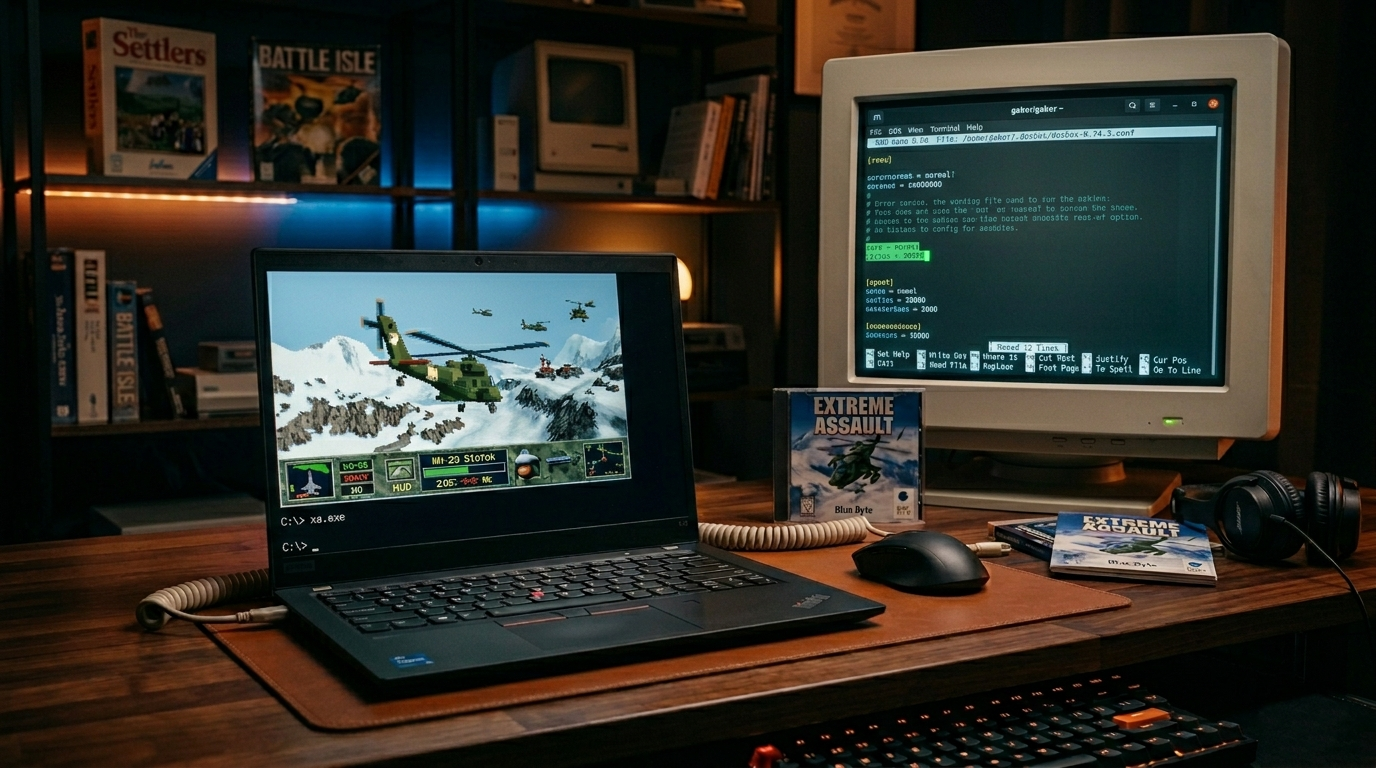
The IT industry’s astonishingly rapid pace of development has a sad side effect: as hardware and software architectures change, the values of the past depreciate incredibly quickly, and indeed, become completely inaccessible. The DOS era of the 1980s and ’90s, which marked the golden age of the PC gaming industry and the birth of classics that still serve as benchmarks today, is now completely alien to modern 64-bit operating systems.
What is DOSBox, and how does it work?
This is where DOSBox comes in. It is not merely one software program among many, but a virtual time capsule and one of the most important bastions of digital preservation.
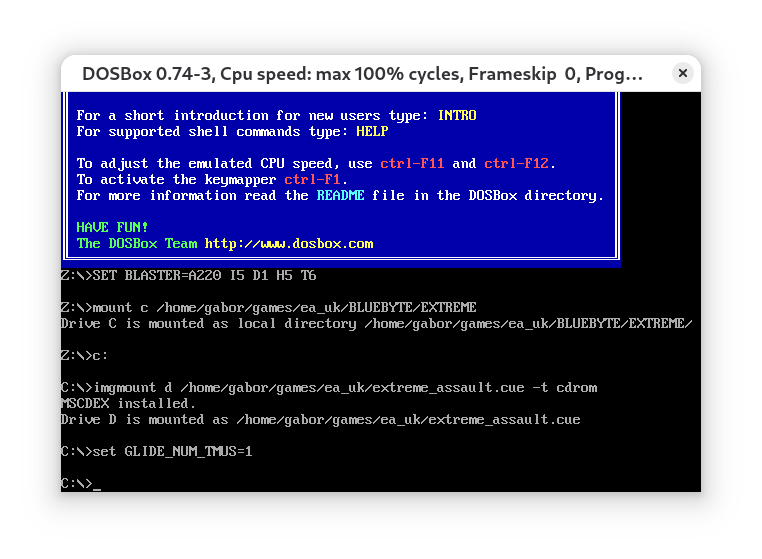
It is important to understand the difference between virtualization and emulation: while modern virtual machines (e.g., VMware) run the code directly on the host machine’s processor, DOSBox replicates the operation of old hardware software-wise, instruction by instruction. This allows a 1993 program to run on a modern, multi-threaded, multi-gigahertz processor with pinpoint accuracy, just as if it were running on a real 486 or Pentium computer.
Reviving the Hardware Architecture
DOS games communicated directly with the hardware, which is strictly prohibited on modern Windows and Linux systems for security reasons. The genius of DOSBox lies in the fact that it emulates all the critical hardware components of that era:
- Graphics subsystems: It handles everything from the simplest text and Hercules modes, through CGA and EGA cards, all the way to the razor-sharp, 256-color VGA and SVGA (Super VGA) graphics standards.
- Sound controllers (the heart of nostalgia): It provides faithful software emulation of everything from the beep of the PC Speaker to the legendary Creative Sound Blaster 16, the Advanced Gravis Ultrasound (GUS), and the MPU-401 (MIDI) interfaces used as professional music bases.
- File System and Peripherals: It allows you to directly mount modern operating system folders as virtual drives, and supports mice, old joysticks, and virtual CD-ROM drives (in the form of ISO/CUE disc images).
Configuration: Full control over the virtual hardware
The true power of DOSBox lies in its highly detailed configuration file (dosbox.conf). Users can fine-tune the virtual hardware to meet the specific requirements of the software they are running.
The most important parameters that determine runtime stability:
- CPU Core: Normal mode acts as a pure interpreter, guaranteeing the highest compatibility for older programs, while dynamic mode utilizes a Just-In-Time (JIT) compiler to dramatically boost performance for running resource-intensive 3D games from the late 90s.
CPU Cycles (Clock Cycle Simulation): The emulation speed can be precisely adjusted using fixed cycle counts. If a game runs too fast (because it was originally designed for a 33 MHz 386 processor), manually reducing the cycles allows for a perfect, period-accurate pace.
- Memory: The default 16 MB of DOS memory (XMS/EMS) can be expanded as needed, supporting even the most memory-intensive software of the late DOS era.
The Power of the Community and Modern Branches
While the official DOSBox 0.74 branch aims for maximum stability and preserving the classic fundamentals, thanks to its open-source nature, the community has also created modernized versions of the software:
- DOSBox Staging: A version optimized for modern systems (e.g., Wayland, PulseAudio, advanced OpenGL shaders), featuring built-in 3dfx Voodoo emulation and improved audio filters.
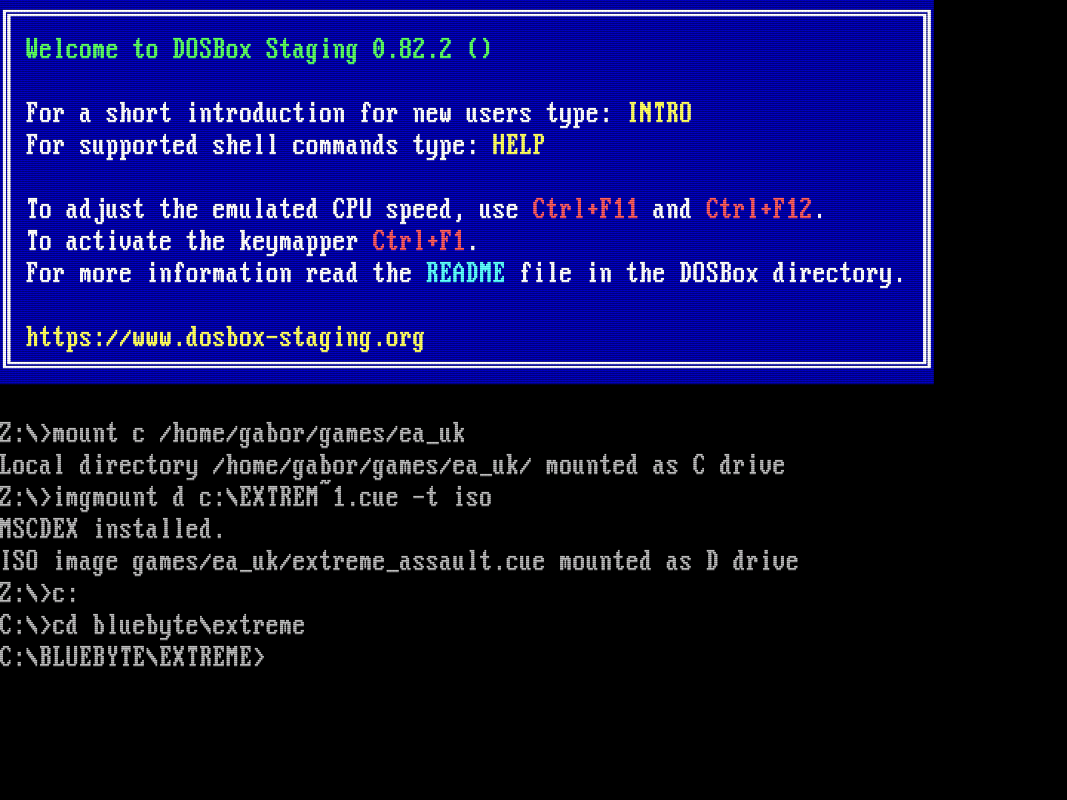
- DOSBox-X: A major fork aimed at supporting MMX instruction sets, running Windows 95/98 operating systems, and native support for early 3D graphics cards.
DOSBox is not merely a toy for gamers, but an indispensable tool for preserving our digital heritage.
It allows us, even from the perspective of thirty years later, to understand how early operating systems worked, how developers optimized code in an era of scarce resources, and above all: ensures that the masterpieces that laid the foundation for PC culture are not lost to oblivion, but remain accessible and playable by anyone, even on a modern laptop.