
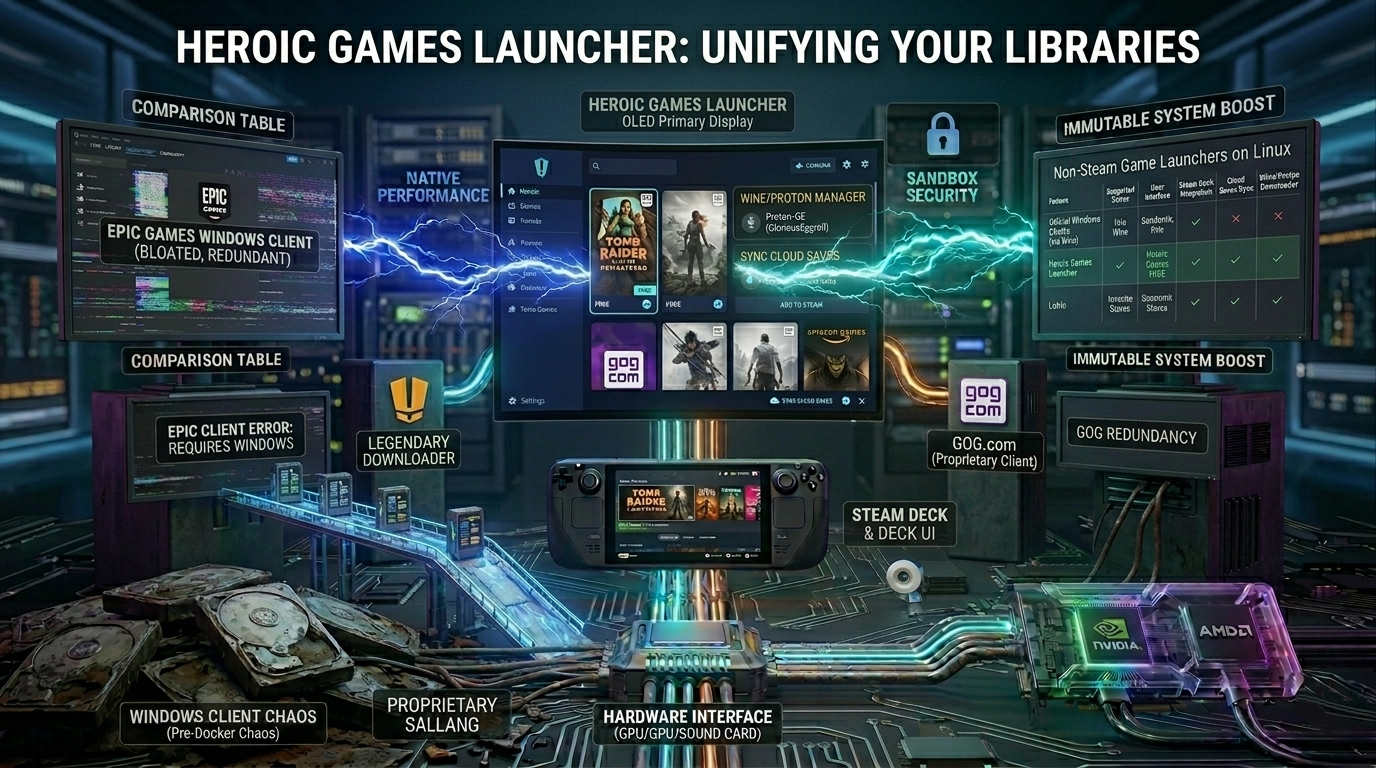
The unofficial, but perfect client.
Although Valve natively supports Steam on Linux, other major digital game stores - such as the Epic Games Store, GOG (Good Old Games), and Amazon Games - have conspicuously ignored the platform. Running their native Windows-based clients under Wine or Bottles is often cumbersome, resource-intensive, and their interfaces are prone to crashing.
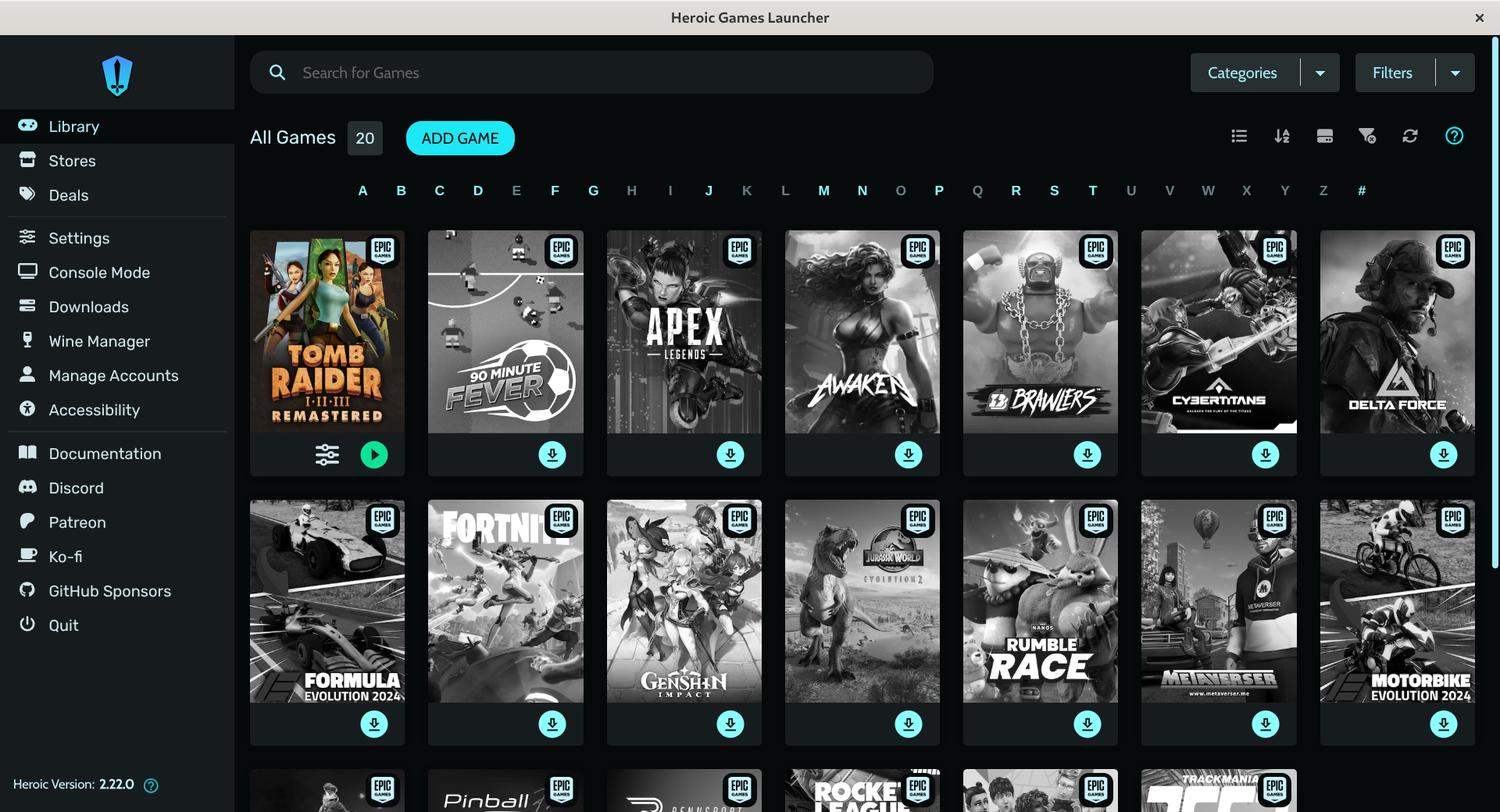
The community’s answer to this problem is the Heroic Games Launcher. It is a fully open-source, lightning-fast graphical user interface (GUI) that uses ingenious command-line tools in the background, such as Legendary (for Epic Games), gogdl (for GOG), and nile (for Amazon).
Why is Heroic better than the official clients?
- Zero telemetry and bloat: The official Epic client is notorious for consuming a lot of memory and constantly sending data back to the servers. Heroic, on the other hand, is a clean, minimalist piece of software that focuses solely on downloading and launching your games.
- Built-in Proton and Wine management: You don’t have to mess around with separate software to configure compatibility layers. Within the Heroic interface, you can select for each game whether you want to run it with the latest version of Proton, Proton-GE, or Wine. In fact, Heroic itself can download the latest Wine-GE versions with a single click.
- Direct Steam Deck integration: Heroic features a built-in “Add to Steam” button. This means you can add your games from Epic or GOG directly to your Steam library, allowing you to launch them from Steam Deck’s Gaming Mode just as if they were native Steam games.
Non-Steam Game Launchers on Linux
| Feature | Official Windows Clients (via Wine) | Heroic Games Launcher | Lutris (All-in-One Manager) |
|---|---|---|---|
| Supported Stores | Only the specific store (Epic, GOG, etc.). | Epic Games, GOG, Amazon Games. | Epic, GOG, Steam, Humble Bundle, Emulators, Retro games. |
| User Interface | Bloated, heavy RAM usage, web views often glitch under Linux. | Modern, lightweight Electron UI. Tailored for both desktop and controller. | Comprehensive but complex layout, spreadsheet-like interface. |
| Steam Deck Integration | Difficult. Requires manual shortcut configuration and art sourcing. | One-Click "Add to Steam". Automatically exports shortcuts with game artwork. | Supported via community scripts, but requires more manual tweaking. |
| Cloud Saves Sync | Hit or miss depending on the Wine configuration. | Native Support. Automatically syncs Epic and GOG cloud saves seamlessly. | Supported, but requires manual path binding for certain platforms. |
| Wine/Proton Downloader | None. Must be configured externally via Bottles or Lutris. | Integrated. Downloads and updates Wine-GE/Proton-GE directly in the app. | Integrated runner management for Lutris-specific Wine builds. |
User tip for optimal performance
If you launch an Epic Games or GOG game from Heroic and get a black screen or the game doesn't start, in 95% of cases this is due to an incompatible compatibility layer.
The best practice is to go into Heroic’s settings (Wine Manager) and download the latest version of Proton-GE (GloriousEggroll). This community-driven Proton release includes the special media codecs and fixes that are missing from Valve’s official Proton for legal reasons, so in-game cutscenes will work perfectly.