
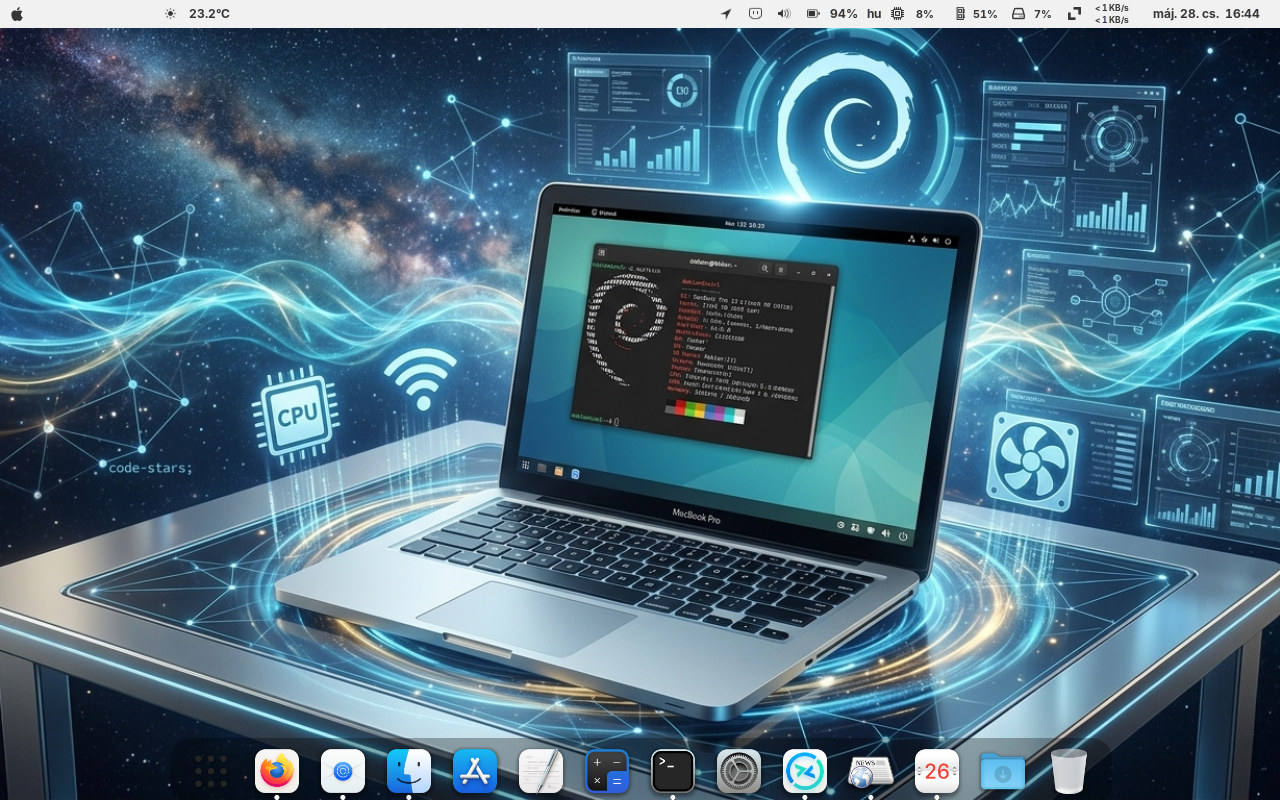
Breathing New Life into Classic Hardware: Debian 13 (Trixie) on a 2011 MacBook Pro
Apple’s hardware is renowned for its durability, but software support inevitably comes to an end. An Early 2011 13-inch MacBook Pro can no longer be officially updated beyond macOS High Sierra, which means that by 2026, modern browsers and applications will pose a security risk or won’t even launch on the factory system.
Fortunately, the Linux ecosystem - and in particular the latest stable release of Debian 13 (Trixie) - is capable of doing what Apple had no interest in: conjuring up a full-fledged, modern, and lightning-fast operating system for a 15-year-old premium laptop.
| Hardware Component | Debian 13 Status | Required Driver / Package | Notes & Experience |
|---|---|---|---|
| CPU (Intel Core i5 / i7) | Fully Compatible | None (Native) | Excellent responsiveness, low power consumption under idle. |
| Graphics (Intel HD 3000) | Fully Compatible | None (Native i915) | Full hardware acceleration out of the box. Safe from AMD failure issues. |
| Wi-Fi (Broadcom BCM4331) | Compatible | firmware-b43-installer | Requires proprietary firmware package to enable wireless networks. |
| Webcam (FaceTime HD) | Fully Compatible | None (Native) | Recognized automatically by modern Linux kernels. |
| Audio & Speakers | Fully Compatible | None (Native ALSA) | Sound output and internal microphone work without extra tweaks. |
| Keyboard & Trackpad | Fully Compatible | None (Native libinput) | Backlight control and multi-touch gestures are fully supported. |
| Fan & Thermal Control | Compatible | macfanctld | Requires the macfanctld daemon for proper Apple SMC fan scaling. |
| Thunderbolt & Ports | Partially Compatible | None (Native) | Devices work perfectly if connected before booting the system. |
The Hidden Advantage of the 13-inch Model
The 2011 MacBook Pro series suffered from a serious design flaw: over the years, the dedicated AMD graphics chips in the 15- and 17-inch models almost invariably failed due to heat, requiring significant kernel-level tinkering even under Linux to disable them.
The 13-inch (Early 2011) model, however, relies exclusively on the Intel HD Graphics 3000 integrated graphics core. This GPU works “out of the box” (immediately, without any special configuration) under Linux, providing perfect hardware acceleration for the user interface, YouTube videos, and smooth animations.
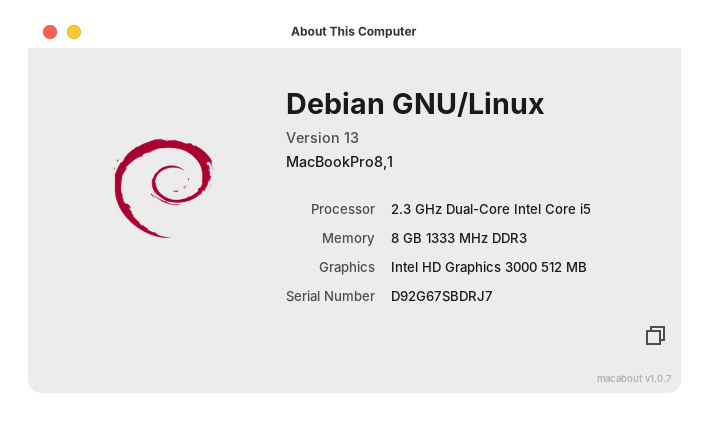
Things to Keep in Mind: Post-Installation Checklist
Although booting from the Live USB goes smoothly, there are two minor details worth tweaking after the system is fully installed to ensure a perfect user experience:
1. The Wi-Fi (Broadcom) driver
Apple used the Broadcom BCM4331 wireless chip in these machines. A huge advantage of Debian 13 over previous versions is that, thanks to the now officially integrated non-free-firmware repositories, it mostly automatically detects proprietary drivers. If Wi-Fi still fails to work after installation, the issue can be resolved in seconds via the package manager in the terminal (after enabling contrib components in your SourcesList):
sudo apt update
sudo apt install firmware-b43-installer
After restarting, the wireless network will operate stably and at full speed.
2. Fan Control (MacFanCtld)
Apple uses proprietary SMC (System Management Controller) firmware to control cooling, which tends to spin up the fans too late under Linux. To prevent the machine from overheating, you must install a background process specifically optimized for Mac machines:
sudo apt install macfanctldThis small utility automatically monitors the CPU temperature in the background and dynamically but safely regulates the fan speed, spinning the fans up earlier and more aggressively than Apple's default SMC behaviour would under Linux, preventing the machine from overheating during sustained workloads.
3. Webcam and FaceTime HD
The built-in iSight/FaceTime webcam is now natively supported in modern Linux kernels, so Skype, Discord, or Zoom will recognize it immediately, without the need for any external plugins or proprietary drivers.
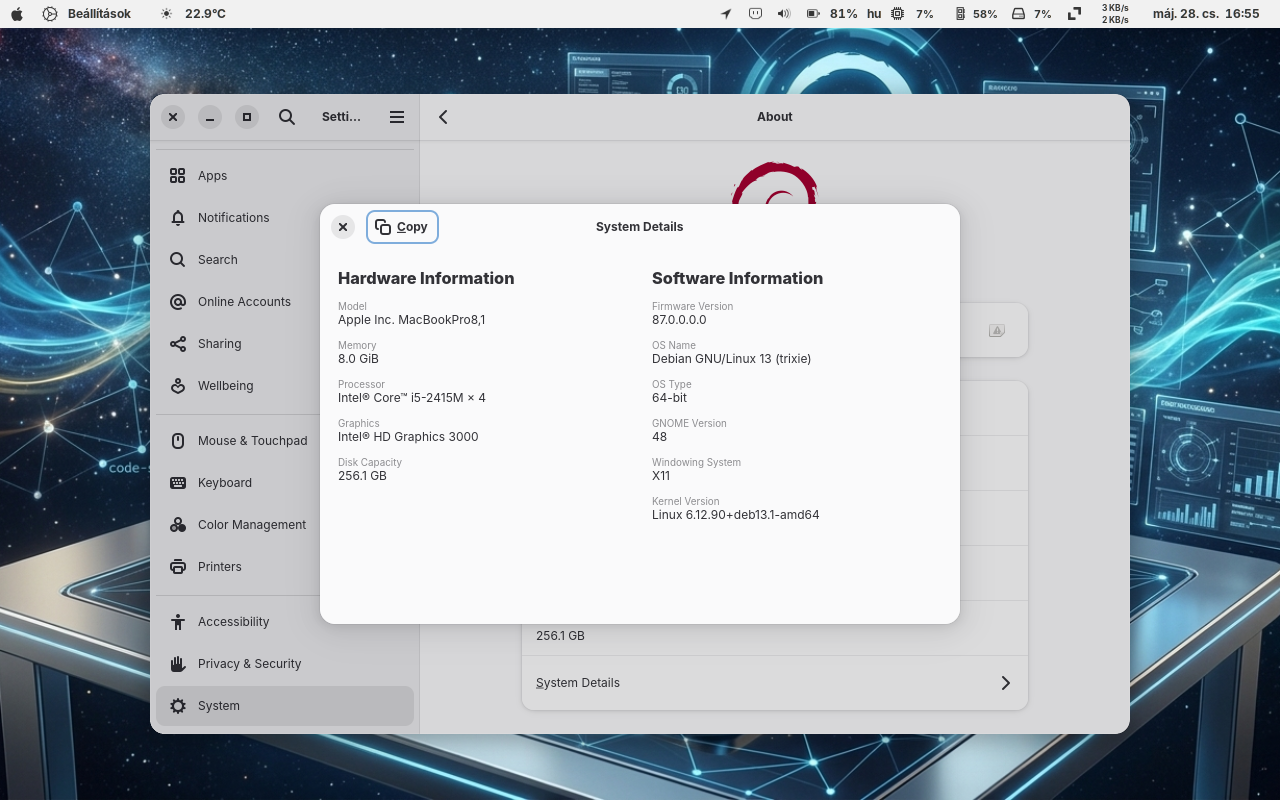
Debian 13 (Trixie) has proven that there is a solution to planned obsolescence. Thanks to Linux, the Early 2011 MacBook Pro remains a secure, lightning-fast laptop in 2026 that is perfectly suited for everyday office work, web browsing, watching movies, and studying.
This not only saves money, but by preserving excellent hardware, it also reduces the amount of electronic waste.
More information: