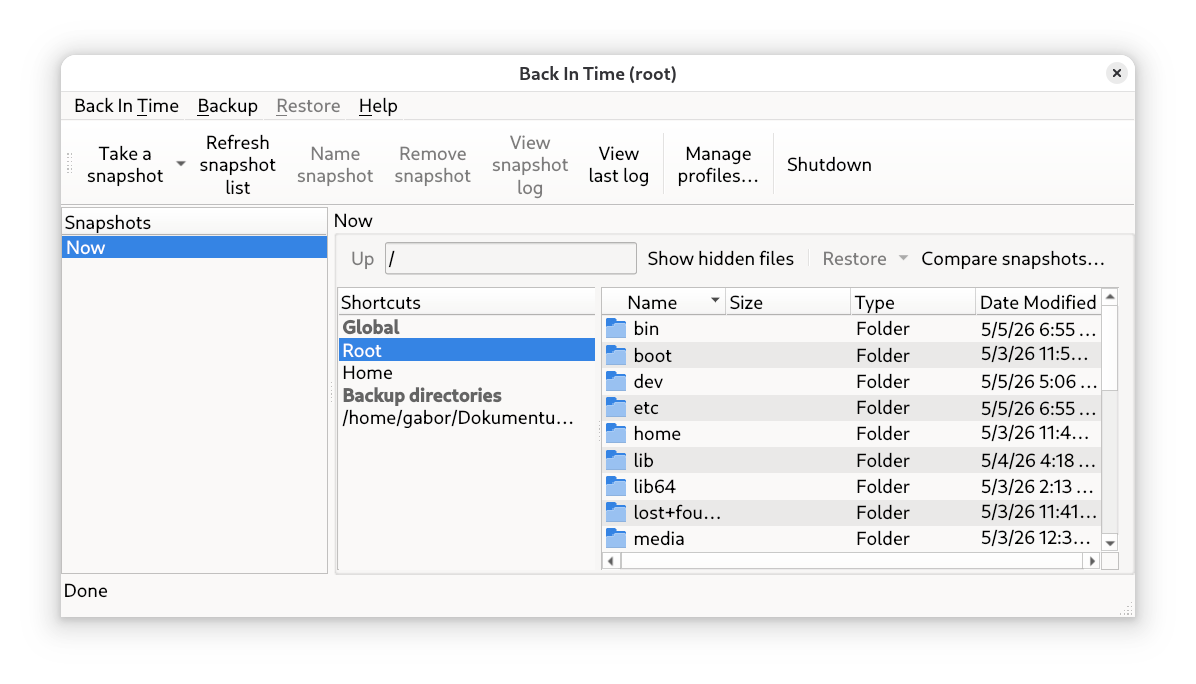
A backup is like a seatbelt in a car: you hope you’ll never need it, but if something goes wrong, it can save your life. Back In Time is a simple yet extremely effective tool that uses the power of rsync and cron to create automatic backups of your files.

Back In Time is an easy-to-use tool to backup files and folders. A comfortable and well-configurable graphical Frontend for incremental backups, with a command-line version also available.
1. How does it work?
Back In Time doesn’t just copy files. It creates what are called snapshots:
- On the first backup, it copies everything.
- On subsequent backups, it saves only the changes (using hard links).
Result: Each backup point looks like a complete folder, but in reality it takes up hardly any extra space on the disk.
2. Installation and Startup
If you also need to back up system files, not just user files, look for the Back In Time (root) shortcut in your application menu. It will safely ask for your administrator password before launching.
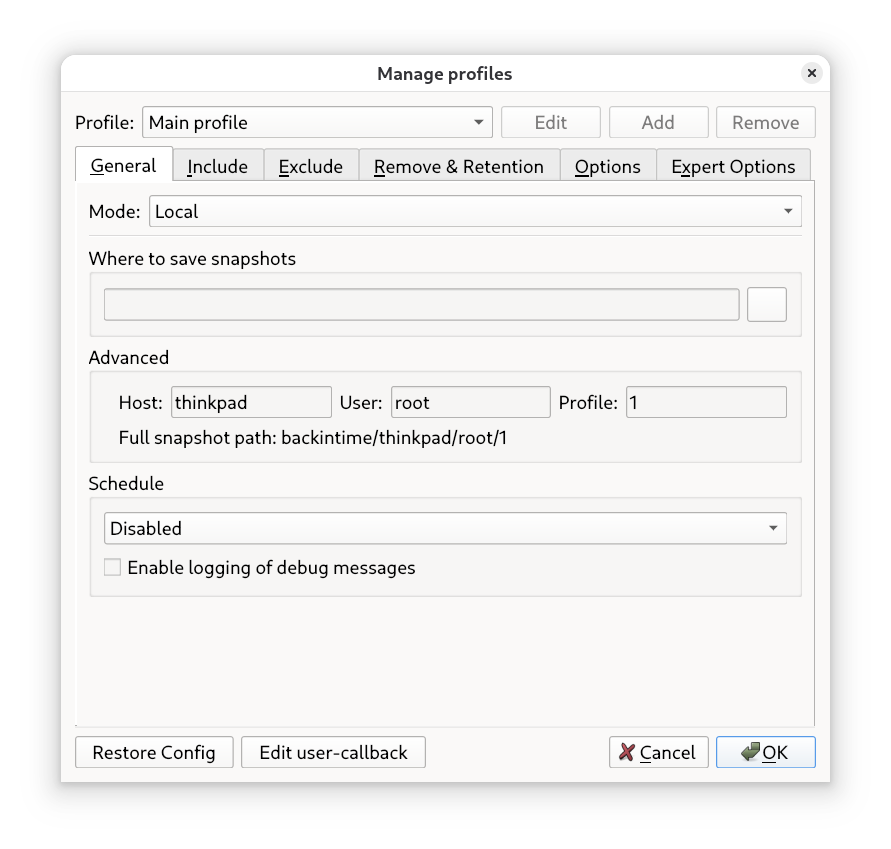
3. Key Settings
Where to save: Here, select your external hard drive or a separate partition.
Include: Generally, it’s a good idea to include your entire home directory (where your personal documents, pictures, and downloads live).
Schedule: Set how often backups should be made (e.g., daily or hourly).
4. Restore (The Magic Part)
If you accidentally deleted an important document:
- Open Back In Time.
- Select the time from the list on the left when the file still existed.
- Click on the file, then click the Restore button.