Although Linux systems are generally more secure than Windows, it never hurts to be cautious - especially if you share files with Windows machines. ClamAV is a versatile, command-line antivirus engine designed to detect Trojans, viruses, and other malware.
ClamAV® is an open-source antivirus engine for detecting trojans, viruses, malware & other malicious threats.
1. Why use antivirus software on Linux?
Many people ask, "Do I even need an antivirus?" The answer lies in responsibility:
- File sharing: You can stop the spread of malicious files before forwarding them to your Windows-using friends.
- Server protection: It’s excellent for automatically scanning email attachments and uploaded web content.
- Suspicious files: If you’ve downloaded something from an untrusted source, a quick scan can provide peace of mind.
2. Installation and Updates
Installation is simple on Debian-based systems:
sudo apt update && sudo apt install clamav clamav-daemon
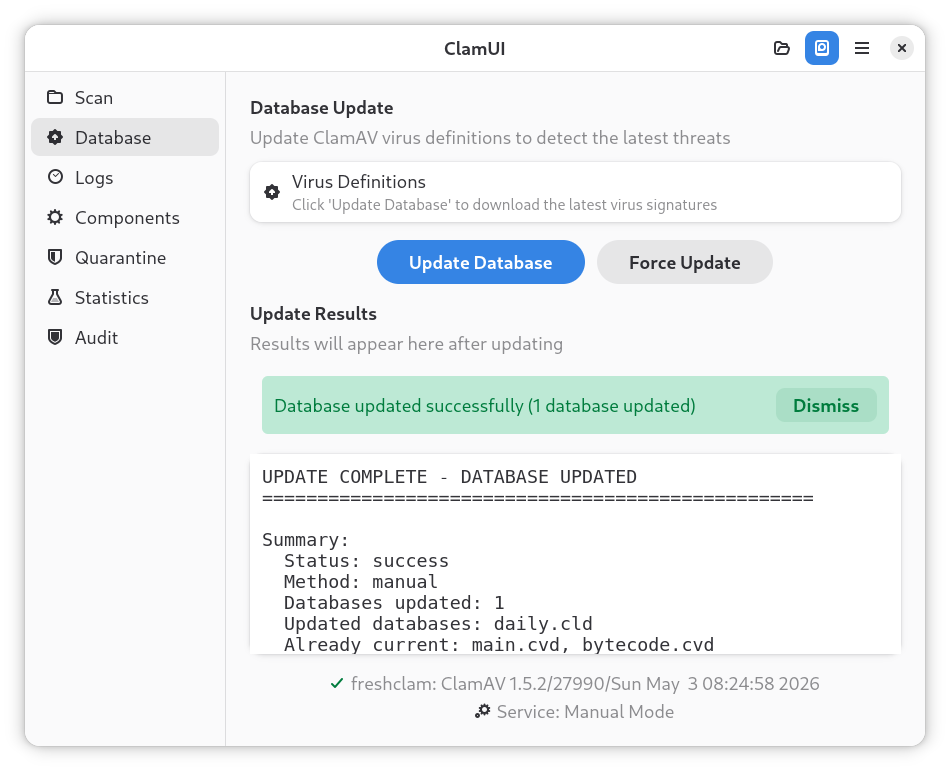
Since we installed the clamav-daemon, the system will automatically update the virus database in the background. However, if you ever need to force a manual update, you must stop the background service first to avoid a "locked file" error:
sudo systemctl stop clamav-freshclamsudo freshclamsudo systemctl start clamav-freshclam

3. Key Commands (With Examples)
ClamAV is primarily used in the terminal, but the commands are easy to remember:
- Scanning a specific folder:
clamscan -r ~/Downloads
(The -r flag stands for recursive, meaning it also checks subfolders.)
- Display only infected files (silent mode):
clamscan -r --infected ~/
Quarantine infected files (Safe Approach): Never use the --remove flag directly, as false positives can permanently delete important files. Instead, create a quarantine folder and move suspicious files there:
mkdir ~/Quarantine clamscan -r --move=~/Quarantine ~/Downloads
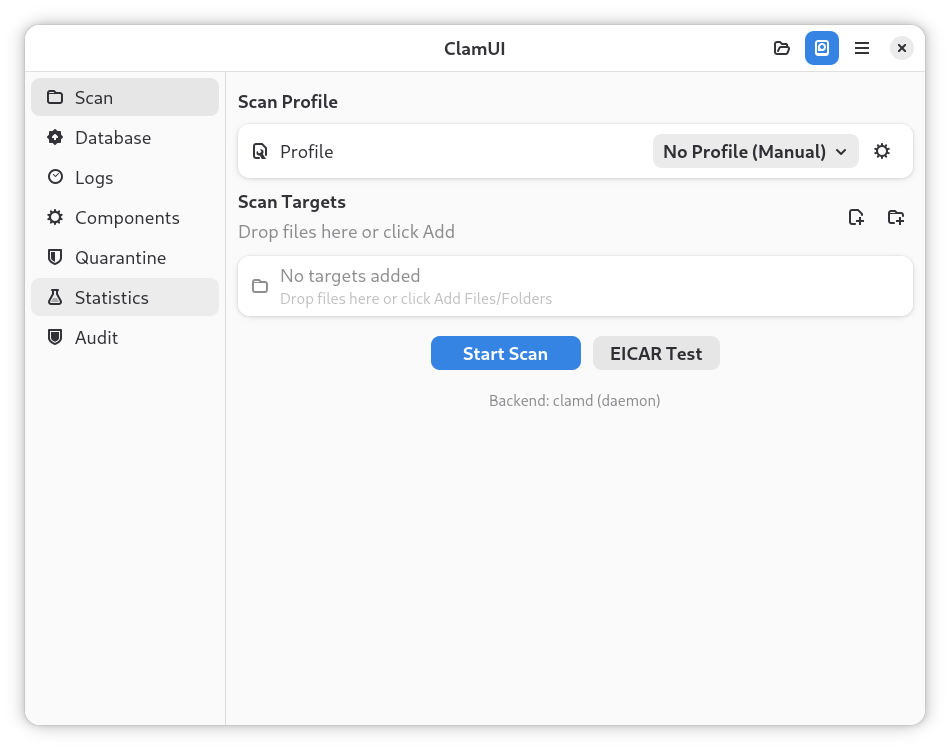
4. Graphical Interface: ClamTk vs. ClamUI
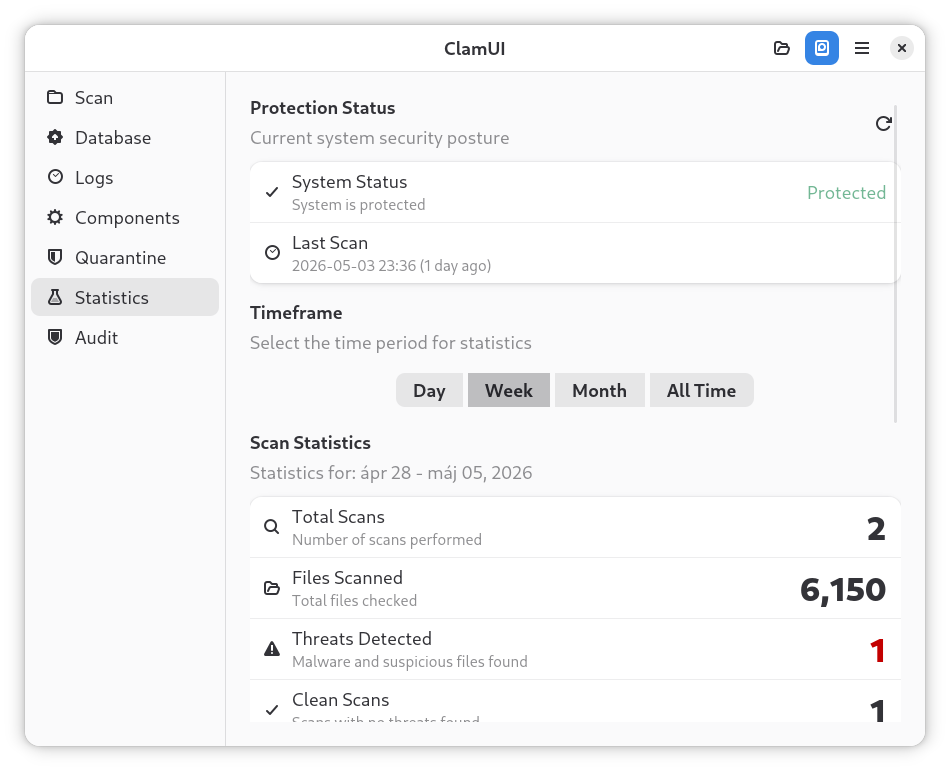
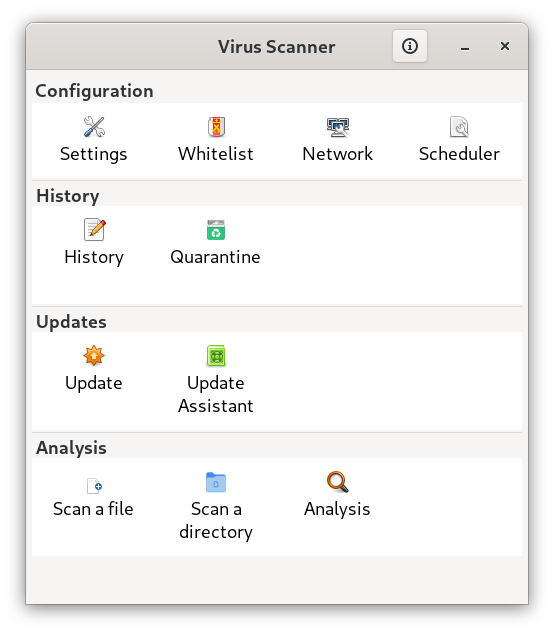
If you don't want to type commands into the terminal every time, install ClamTk or ClamUI, which provide a user-friendly interface for the engine:
- ClamTk: This is the "classic" graphical interface. It is written in Perl and uses GTK. For decades, this was the only serious option, but its interface may seem a bit outdated today, and development has slowed down.
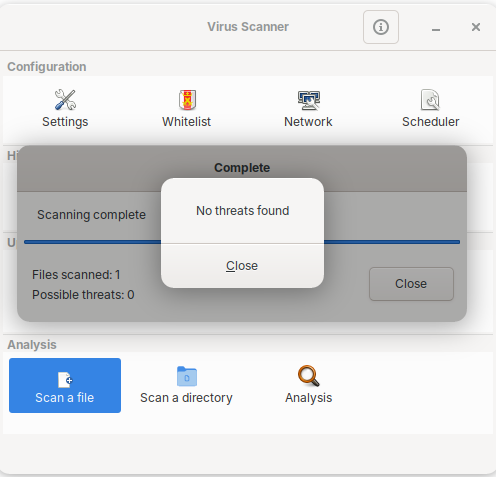
- ClamUI: This is the more modern successor. It is a newer development based on Python and uses a more modern GTK4/Libadwaita interface. It fits much better with modern desktop environments (such as GNOME versions 40+), and is cleaner, faster, and more responsive.